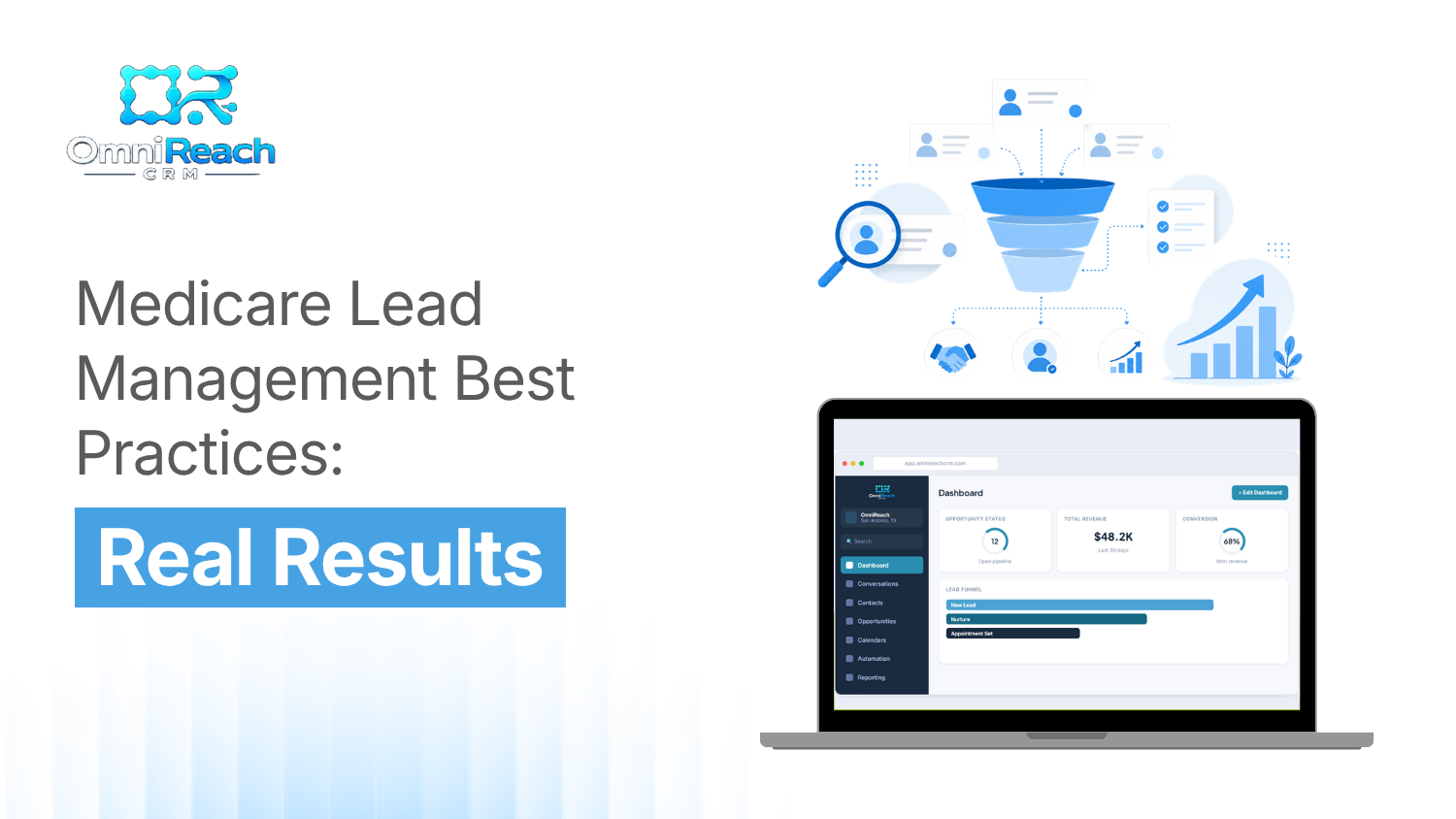
You get a new Medicare lead while you're already on another call.
You make a mental note to follow up. Then another call comes in. Someone needs help with an appointment. An existing client has a question.
Before you know it, the afternoon is gone.
Sound familiar?
For many Medicare agents, the challenge isn't simply finding people to talk to. It's keeping track of every inquiry, follow-up, appointment, and next step without letting something important slip through the cracks.
That's where a consistent Medicare lead management process can make a difference.
Instead of relying on memory, sticky notes, spreadsheets, or a collection of reminders, agents can use a CRM and clearly defined workflows to organize leads and maintain consistent follow-up.
Let's look at some practical Medicare lead management best practices and how technology can support them.
Why Prompt Follow-Up Matters
When someone reaches out for information, responding promptly can help keep the conversation organized while the person's request is still fresh.
That doesn't mean every lead needs an immediate sales call.
Sometimes the appropriate next step is an acknowledgment, an appointment request, an email, or a task for the assigned agent.
The important thing is having a process that makes the next step clear.
A good Medicare client management system can help by:
- Recording when a lead comes in
- Identifying the lead source
- Assigning the lead to the appropriate agent
- Creating follow-up tasks
- Recording contact attempts
- Tracking appointments
- Documenting dispositions
- Helping the team identify leads that still need attention
The goal isn't simply to contact people faster.
It's to create a consistent process so that legitimate inquiries don't get overlooked.
The Three Pillars of Medicare Lead Management
A practical lead-management system can be broken into three areas: response, organization, and documentation.
1. Prompt Response and Follow-Up
When a lead arrives, the agent may already be helping someone else.
That's where automation can help.
A CRM for Medicare agents can notify the appropriate team member when a new inquiry arrives and create the next task automatically.
Depending on the lead source and the permissions that were obtained, the system may also support permitted email or text communications.
For example, a workflow might:
- Receive a new inquiry.
- Record the lead and source.
- Assign the lead to an agent.
- Notify the agent.
- Create a follow-up task.
- Send an appropriate acknowledgment when the required permission has been obtained.
- Track the result of the interaction.
The agent still handles the conversation.
The system simply helps make sure the workflow doesn't depend entirely on someone's memory.
A note about automated calls and texts
This is an important part of Medicare lead management.
Automation does not eliminate the need for permission to contact a consumer.
UnitedHealthcare's agent guidance states that agents must have prior valid permission to contact a consumer, and the contact must use the method identified in that permission. Telephonic contact must also comply with applicable federal and state requirements, including TCPA requirements.
The FCC's rules likewise require prior express written consent in circumstances involving covered telemarketing robocalls or robotexts, with the consent requirements applying on a one-seller-at-a-time basis and requiring clear and conspicuous disclosure.
So the right approach is simple:
Build permission into the lead-generation process before building automation around it.
A CRM should help document the source, permission, contact method, and activity associated with the lead.
2. Medicare Client Management: Keep Every Interaction Organized
Once a lead enters your system, organization becomes just as important as response time.
A useful Medicare client management process gives every lead a clear place in the pipeline.
For example, your workflow might include stages such as:
- New inquiry
- Contact attempted
- Contact made
- Appointment requested
- Appointment scheduled
- Follow-up required
- Application submitted
- Completed
- Not interested
- Unable to contact
- Nurture
The exact stages will vary by agency.
The important thing is consistency.
If every agent uses different terminology, it becomes difficult for an agency owner or FMO to understand what's happening across the book.
Standardized dispositions can also help identify where leads are getting stuck.
Are agents failing to make contact?
Are appointments being scheduled but not completed?
Are follow-ups being missed?
Are certain lead sources producing a large number of inquiries that never progress?
Your CRM can help answer those operational questions.
3. Compliance Documentation
This is the part that shouldn't be treated as an afterthought.
Medicare marketing and sales activities can involve permission-to-contact documentation, lead-source information, communications, appointments, and other records that may need to be retained according to applicable requirements.
For example, UnitedHealthcare's guidance requires agents to follow permission-to-contact requirements and applicable federal and state laws when communicating with consumers.
A well-designed workflow can make documentation part of the normal process instead of something an agent has to reconstruct later.
That might include:
- Lead source
- Date and time received
- Contact method
- Permission status
- Contact attempts
- Appointment information
- Disposition
- Follow-up tasks
- Relevant compliance documentation
The CRM isn't the compliance program.
But it can provide an important system for supporting one.
How Should Medicare Agents Segment Their Leads?
Not every prospect should enter the same workflow.
Different types of inquiries may require different follow-up processes.
Turning-65 Prospects
People approaching Medicare eligibility may need information well before they are ready to make an enrollment decision.
A CRM can help agents track important dates and create reminders for appropriate educational follow-up.
The key is making sure any communication is consistent with the prospect's permission, applicable enrollment rules, and carrier requirements.
AEP Leads
The Annual Election Period can bring a significant increase in inquiry volume.
That makes organization especially important.
Instead of relying on a spreadsheet, an agent can use a dedicated pipeline to see:
- New inquiries
- Follow-ups due
- Appointments scheduled
- Leads awaiting a response
- Completed interactions
Automation can help with administrative tasks, while the agent remains responsible for the actual consumer interaction and compliant sales process.
Existing Clients
Your existing book can also benefit from good Medicare client management.
Instead of relying on memory to remember who needs a follow-up, agents can use appropriate reminders and workflows to organize client-service activities.
The focus should be on providing useful service and information—not automatically treating every client interaction as a sales opportunity.
And whenever a new marketing or sales communication is contemplated, the applicable permission and carrier requirements still need to be followed.
Referrals
Referrals can be an important part of an agent's long-term marketing strategy.
The operational lesson is simple: track them.
A referral can be recorded with its source, date, contact information, permission status, and next action so that the agent knows exactly what needs to happen next.
Most importantly, don't assume that a referral automatically gives permission for marketing calls or texts.
UnitedHealthcare's agent guidance specifically addresses permission requirements for contacting referred consumers.
What Should a Medicare CRM Actually Do?
This is where the question of the best CRM for Medicare agents becomes more practical.
Instead of asking which platform has the longest feature list, ask a simpler question:
"Does the system help your team consistently manage the work that actually needs to happen?"
A Medicare-focused CRM should make it easier to:
1. Capture leads
New inquiries should enter the system with the relevant information and source attached.
2. Assign leads
For agencies and FMOs, leads can be routed according to the organization's established assignment rules.
3. Create follow-up tasks
Agents shouldn't have to remember every next step. The system can create tasks based on the workflow.
4. Track dispositions
Every lead should have a clear status so agents and managers can see what happened.
5. Manage appointments
Scheduled appointments should be visible and connected to the appropriate lead record.
6. Document activity
Calls, emails, texts, appointments, and other relevant activity can be recorded according to the organization's procedures.
7. Support permitted automation
Automation can help with notifications, reminders, and communications when the required permission and applicable legal and carrier requirements have been satisfied.
8. Give managers visibility
Agency and FMO leadership can benefit from seeing where leads are in the process without asking every agent for a separate spreadsheet.
Why Automation Helps Medicare Lead Management
Think about what happens when you manage 10 leads.
You can probably remember most of them.
Now think about 50.
Then 100.
Then a team managing hundreds or thousands of inquiries.
At that point, the problem isn't necessarily effort.
It's consistency.
The Medicare sales-automation research in your knowledge base recommends dedicated Medicare pipelines, standardized lead information, lead-source tracking, automated assignment, immediate CRM entry, and structured follow-up workflows.
Automation can help take repetitive administrative work off the agent's plate.
That's a system.
And systems are easier to manage than memory.
What About SMS Automation?
SMS can be useful, but Medicare agents should be careful not to treat automation as a shortcut around permission requirements.
Before sending an automated text, the organization should determine:
- Where the consumer's information came from
- What permission was provided
- Who received that permission
- What contact method was authorized
- What the communication will contain
- Whether the communication is permitted under applicable federal and state requirements
- Whether carrier-specific requirements apply
- Whether the consumer has revoked permission
The FCC's 2025 rule materials emphasize that covered robocall and robotext marketing requires appropriate prior express written consent and that consent must be tied to the seller and obtained through a clear and conspicuous disclosure.
UnitedHealthcare likewise requires permission before applicable direct contact and says the method of contact must match the method identified in the permission.
So automated SMS should be treated as a controlled workflow, not simply an "instant text" feature.
How OmniReach CRM Fits Into the Process
This is where OmniReach CRM is designed to help.
Instead of asking an agent to remember every lead, every follow-up, and every next step, OmniReach can provide a centralized workflow for managing Medicare leads and client activity.
That can include:
- Lead capture and organization
- Lead assignment
- Pipeline management
- Automated task creation
- Follow-up workflows
- Appointment tracking
- Disposition tracking
- Communication records
- Reporting and visibility for agencies and FMOs
The goal is straightforward:
Make the process easier to follow and easier to manage.
And importantly, automation should be configured around the organization's compliance requirements.
For example, an appropriate workflow can stop or route a communication when required permission isn't present rather than simply sending every lead into the same sequence.
That's a much better use of automation than treating every contact the same way.
A Simple Medicare Lead Management Workflow
Here's what a practical workflow might look like.
Step 1: A lead comes in
The system records the inquiry and its source.
Step 2: Permission is documented
The organization verifies the applicable permission and authorized contact method before initiating covered direct communications.
Step 3: The lead is assigned
The appropriate agent receives the lead and a follow-up task.
Step 4: The agent follows up
The agent communicates using the permitted method and follows applicable Medicare, carrier, federal, and state requirements.
Step 5: The interaction is documented
The outcome is recorded in the CRM.
Step 6: The next action is created
If additional follow-up is appropriate, the system creates the next task.
Step 7: The lead moves through the pipeline
The status changes as the relationship progresses.
This may sound simple.
That's the point.
Good systems don't have to be complicated. They have to be consistent.
What Separates a Good Process From a Spreadsheet?
There's nothing inherently wrong with a spreadsheet.
For a small number of leads, it may be perfectly adequate.
The challenge comes when the process depends on manually remembering:
- Who needs a call
- Who has an appointment
- Who needs a follow-up
- Which agent owns the lead
- What happened during the last interaction
- Whether permission to contact was documented
- What the next step should be
A CRM can bring those pieces together.
Instead of opening five different tools, the agent can work from one central record.
For agencies and FMOs, that visibility becomes even more useful because managers can monitor workflow activity without relying entirely on individual agent reporting.
The Real Goal of Medicare Lead Management
Good lead management isn't about calling people as quickly as possible.
It's about building a process that is:
- Organized.
- Consistent.
- Documented.
- Permission-based.
- Easy for agents to follow.
When those pieces are in place, technology can take care of much of the repetitive administrative work.
That gives agents more time to do what technology can't replace: have meaningful conversations, understand a consumer's situation, and provide appropriate information within the rules that govern Medicare sales.
Conclusion
The foundation of effective Medicare lead management is consistency.
Capture the lead.
Document the appropriate permission.
Assign it.
Follow up using an approved method.
Record what happened.
Create the next action.
Repeat.
A CRM for Medicare agents can help turn that process into a repeatable workflow instead of a collection of spreadsheets, sticky notes, and reminders.
OmniReach CRM is built to help agencies and agents organize those workflows, automate appropriate administrative tasks, and maintain visibility across their Medicare book.
If you're looking for a more organized way to manage Medicare leads, consider exploring how OmniReach CRM can fit into your existing workflow.
Organize and Scale Your Medicare Lead Workflows
OmniReach CRM gives you automated follow-ups, compliant pipeline tracking, and full visibility across your agency.
Book a Demo →Frequently Asked Questions
How important is prompt follow-up for Medicare leads?
Prompt follow-up can help keep an inquiry organized while the prospect's request is still fresh. However, speed should never override permission, applicable Medicare requirements, carrier rules, or federal and state telemarketing requirements.
What's the best way to manage Medicare leads without a CRM?
A spreadsheet can work for a small book, but as lead volume and follow-up activity increase, maintaining consistent records can become more difficult. A CRM can centralize lead information, assignments, tasks, appointments, dispositions, and activity.
Can Medicare agents automate follow-up?
Yes, automation can support administrative workflows such as task creation, notifications, reminders, and certain communications. However, automated calls and texts must be configured and used consistently with applicable permission requirements, TCPA rules, carrier requirements, and other applicable laws.
Can I automatically text a Medicare lead when they submit a form?
Not simply because they submitted a form. The organization should verify that the form obtained the appropriate permission for the intended communication and that the communication complies with applicable federal and state requirements and carrier policies. For covered robocall or robotext marketing, the FCC's rules include specific prior express written consent requirements.
How can a CRM help with Medicare compliance?
A CRM does not make an agent or agency compliant by itself. It can, however, help support compliance processes by recording lead sources, permission information, contact activity, appointments, dispositions, and follow-up tasks. The system should be configured to support the organization's compliance procedures rather than replace them.
Is OmniReach CRM designed for Medicare agents?
OmniReach CRM can be used to organize Medicare lead management workflows, including lead capture, assignment, follow-up, appointment tracking, disposition management, and reporting. The specific automation and communication settings should be configured based on the organization's applicable Medicare, carrier, TCPA, state, and internal compliance requirements.