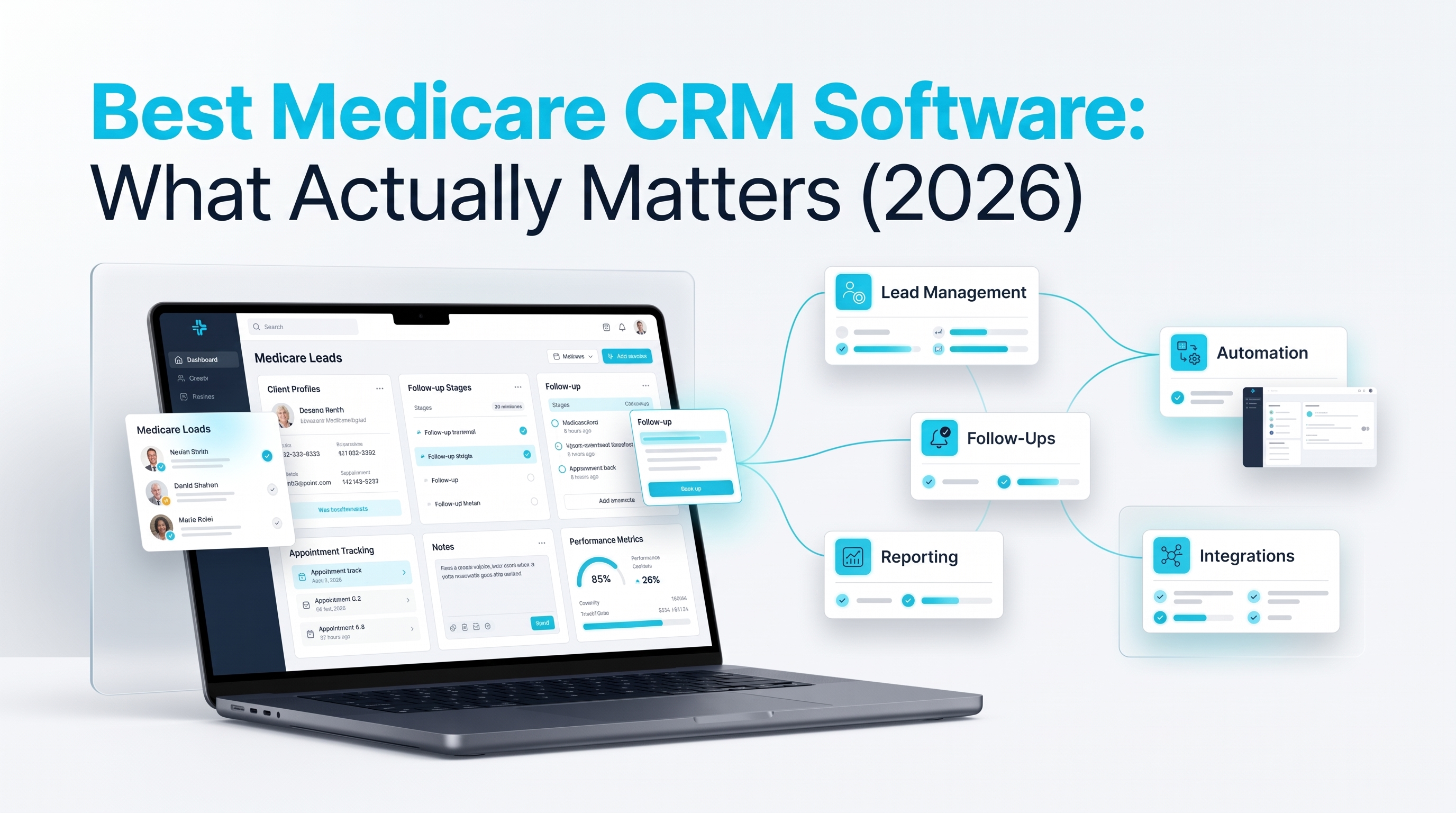
The best Medicare CRM software isn't necessarily the one with the longest feature list. For an agent or agency, the more useful question is whether the system can support the actual workflow when AEP volume increases. That includes compliance-supporting infrastructure, automation for appropriate follow-up and workflow timing, an interface agents will consistently use, pricing that is understandable as the business grows, and an implementation process that gets the system operational before it is needed.
Software can help organize documentation, workflows, communications, and follow-up, but it does not make an agent or agency compliant by itself. The configuration, communications, data, and business processes still need to follow applicable CMS, carrier, federal, state, privacy, and other requirements.
- The best option depends on how well the CRM supports the workflow an agent or agency actually needs
- Compliance-supporting infrastructure, documentation, and privacy controls should be evaluated separately from Medicare regulatory compliance
- Automation should handle appropriate workflow tasks without assuming every contact can automatically be called or texted
- Software should be usable by individual agents as well as provide the operational visibility an agency needs
- Pricing structure matters as much as the advertised monthly price, especially as the organization grows
- Setup and onboarding time matter because a system that isn't operational when AEP begins isn't helping the workflow when it matters most
Best Medicare CRM Software: What Actually Separates the Top Options
Every CRM product page has a feature list. The more useful comparison is what those features actually do for an agent or agency working Medicare leads, appointments, clients, communications, and compliance-related records.
The phrase best Medicare CRM software is often used as a search term, but there isn't one objectively best CRM for every agent or agency. The right evaluation depends on the workflow, lines of business, team structure, automation requirements, data-handling needs, and operational priorities.
The best medicare crm software for one organization may not be the right choice for another. Here's what is worth examining before making the decision.
Compliance Has to Be Structural, Not a Feature You Turn On
A CRM with encrypted communications, audit logs, access controls, and a signed Business Associate Agreement can provide infrastructure that supports appropriate handling of protected health information.
But HIPAA and Medicare's marketing, sales, and enrollment requirements are separate considerations. A CRM does not make an agent or agency compliant simply because the platform includes compliance-related features.
The useful question is therefore not simply:
"Does the CRM say it is compliant?"
Instead, ask:
- Is a BAA available when applicable?
- How is sensitive information protected?
- What access controls are available?
- Are relevant communications and activities documented or logged?
- Can records be retrieved when needed?
- How are user permissions handled?
- What responsibilities remain with the agency?
- Which features are actually included in the configuration being purchased?
CMS states that its Medicare Marketing Guidelines reflect CMS's interpretation of applicable Medicare Advantage and Part D marketing requirements. Those requirements remain separate from HIPAA and from carrier-specific requirements.
Automation Depth Is What Separates "Has Automation" From "Actually Automates the Job"
A platform may advertise "automation" while requiring an agent to manually initiate every important action.
Useful medicare automation software should be evaluated based on what actually happens after a workflow is activated.
For example:
- Does a new lead create the appropriate task?
- Can follow-up occur according to defined workflow rules?
- Can appointments trigger appropriate reminders?
- Can contacts move between stages based on documented events?
- Can workflows pause when an agent needs to take over?
- Can communications be restricted when the required permission isn't documented?
Automation should make routine workflow management easier without assuming that every contact is automatically authorized for every communication method.
For calls and texts, applicable TCPA requirements depend on the type of communication, technology, purpose, and consent involved. FCC materials establish specific prior express written consent requirements for covered autodialed or prerecorded telemarketing calls and texts.
The practical test is simple:
Does the system reduce repetitive work while still leaving the required compliance decisions and responsibilities with the agent or agency?
It Has to Actually Work for the Agent Using It Every Day
A CRM can have extensive reporting and administrative functionality while still being difficult for an agent to use consistently.
That matters because the quality of reporting depends partly on the quality of the information being entered.
For medicare agent software, look at the everyday experience:
- How quickly can an agent find a lead?
- How many steps are required to document a call?
- Can the agent see previous communications?
- Can appointments and follow-up tasks be viewed in the same workflow?
- Can the agent move a lead through the appropriate stages without unnecessary data entry?
The goal isn't to make software look impressive during a demo. The goal is to make the normal work easier to document and manage.
Pricing Structure Matters More Than the Sticker Price
Pricing should be evaluated based on how the cost changes as the organization grows.
Questions worth asking include:
- Is pricing per user or account?
- Are important features restricted to higher tiers?
- Are communication charges separate?
- Are there additional costs for additional users?
- Are implementation or onboarding fees involved?
- Does an agency's pricing change as its team grows?
- Which features are included in the advertised platform price?
OmniReach currently describes its platform as having flat monthly system pricing with separate usage charges for communications. Confirm current pricing directly before publication or purchase because pricing can change.
Setup Speed Is Part of the Product, Not a Separate Question
Implementation time matters, particularly when an agency is preparing for AEP.
A platform with pre-configured Medicare workflows can reduce the amount of setup an organization has to perform before it begins using the system.
But "ready to use" should still be tested rather than assumed.
Ask:
- What is already configured?
- What does the agency need to configure itself?
- How are existing contacts imported?
- How are workflows tested?
- How long does onboarding typically take?
- What training and support are available?
- Are carrier-specific or organization-specific compliance procedures still required?
OmniReach currently describes pre-built pipelines for Medicare and other insurance lines, automated follow-up, calendars, smart lists, reporting, and support.
Quick Reference
| What to Check | Weak Signal | Stronger Signal |
|---|---|---|
| Compliance | Broad "compliant" language without explaining the underlying controls | BAA availability, security controls, access controls, documentation capabilities, and clear explanation of responsibilities |
| Automation | Manual reminders presented as automation | Workflows that execute defined tasks and follow-up actions automatically |
| Agent usability | Primarily designed around administrative reporting | Simple daily workflow for individual agents |
| Pricing | Multiple unclear tiers and add-on requirements | Transparent pricing structure with clearly identified usage costs |
| Setup | Significant configuration before basic use | Pre-configured Medicare workflows with clear onboarding requirements |
| Records | Information scattered across systems | Relevant client, communication, appointment, and workflow information organized in one system |
How to Actually Test This Before Committing
Ask to see the workflow operate during a live demonstration rather than relying only on a feature list.
Ask the vendor:
- Show me what happens when a new Medicare lead enters the system.
- Show me how permission-to-contact information is recorded.
- Show me how an agent documents a call.
- Show me how an appointment is created and followed up.
- Show me how a workflow pauses or changes when an agent needs to intervene.
- Show me what managers can see and what individual agents can see.
- Explain which features are included and which create additional usage charges.
- Explain what the agency must configure itself.
- Explain how data is protected and whether a BAA is available when applicable.
- Explain which compliance responsibilities remain with the agency.
That process provides much more useful information than comparing feature counts alone.
Where This Fits With OmniReach
OmniReach's current public materials describe Medicare-specific pipelines, automated follow-up, calendars, smart lists, reporting, encrypted communications, audit logs, role-based access controls, and a signed BAA. The platform also describes flat monthly pricing with separate usage charges for communications.
Those capabilities can support a Medicare workflow, but they should not be interpreted as making an agent or agency automatically compliant. The organization still needs to configure and use the system according to applicable Medicare, carrier, privacy, TCPA/FCC, state, and internal requirements.
For a detailed comparison against other named platforms, see our full breakdown in Best CRM for Medicare Agents.
Conclusion
"Best" isn't a single software feature.
When evaluating the best Medicare CRM software, look at whether the system supports the work that actually needs to happen: organizing client and lead information, documenting activity, supporting appropriate automation, protecting sensitive information, providing useful visibility, maintaining a practical pricing structure, and getting the organization operational within a reasonable timeframe.
Everything else should be evaluated against those actual workflow requirements.
See These Criteria in a Live Demo, Not Just a Feature List
Reading about automation and compliance infrastructure only tells you so much. A live demonstration can show how the system actually behaves inside an agent's workflow.
OmniReach CRM can help organize client and lead information, support automated follow-up workflows, and provide tools for managing Medicare-specific pipelines. Its public product materials also describe security controls, audit logs, role-based access, and a signed BAA.
Check pricing on the pricing page, review HIPAA-compliant infrastructure in detail, or walk through a live demo. For the full tool-by-tool comparison, read Best CRM for Medicare Agents, and for the compliance side specifically, Medicare compliance requirements for agents.
A feature list tells you what a CRM says it can do. A live workflow shows you how it actually works.
Book a Demo →Frequently Asked Questions
Q1: Is the most expensive Medicare CRM software automatically the best one?
No. Price does not by itself establish whether a CRM is appropriate for a particular agent or agency.
Compare the workflow, including functionality, security and privacy controls, automation, usability, support, implementation requirements, and total cost rather than using price as a proxy for suitability.
Q2: How do I know if a CRM's "HIPAA compliant" claim actually means something?
Ask for specifics.
Find out whether a signed BAA is available when applicable, how PHI is handled, what security controls are in place, how access is managed, and what the agency remains responsible for.
HIPAA-related infrastructure is only one part of a Medicare organization's overall compliance responsibilities.
Q3: Does the best software for an FMO look different from the best software for a solo agent?
It can.
A solo agent may prioritize lead management, follow-up, appointments, client records, and ease of use.
An agency or FMO may also need organizational visibility, user management, standardized workflows, reporting, and other administrative capabilities.
The appropriate configuration and visibility depend on the platform, account structure, permissions, and the organization's requirements. Do not assume that every user automatically has access to the same information.
Q4: How long should it realistically take to get set up before AEP?
There is no universal setup timeframe because implementation depends on the platform, data migration, workflow configuration, integrations, user training, and the organization's own processes.
Pre-configured Medicare pipelines can reduce setup work, but agencies should confirm the actual onboarding process with the vendor and allow enough time to test workflows before AEP.
Q5: Should I switch software mid-AEP if I find something better?
The timing of a CRM migration should be evaluated based on the organization's operational needs and the risks involved in moving data and changing workflows during a high-volume period.
Before switching, consider:
- Data migration
- Existing workflow dependencies
- User training
- Communication setup
- Record retention
- Active automations
- Appointment data
- Integration requirements
- Testing time
If the existing system is functioning adequately, a planned migration during a less demanding period may reduce disruption. If the existing system is creating material operational problems, the organization should evaluate those risks against the risks of changing systems during AEP.