Overview
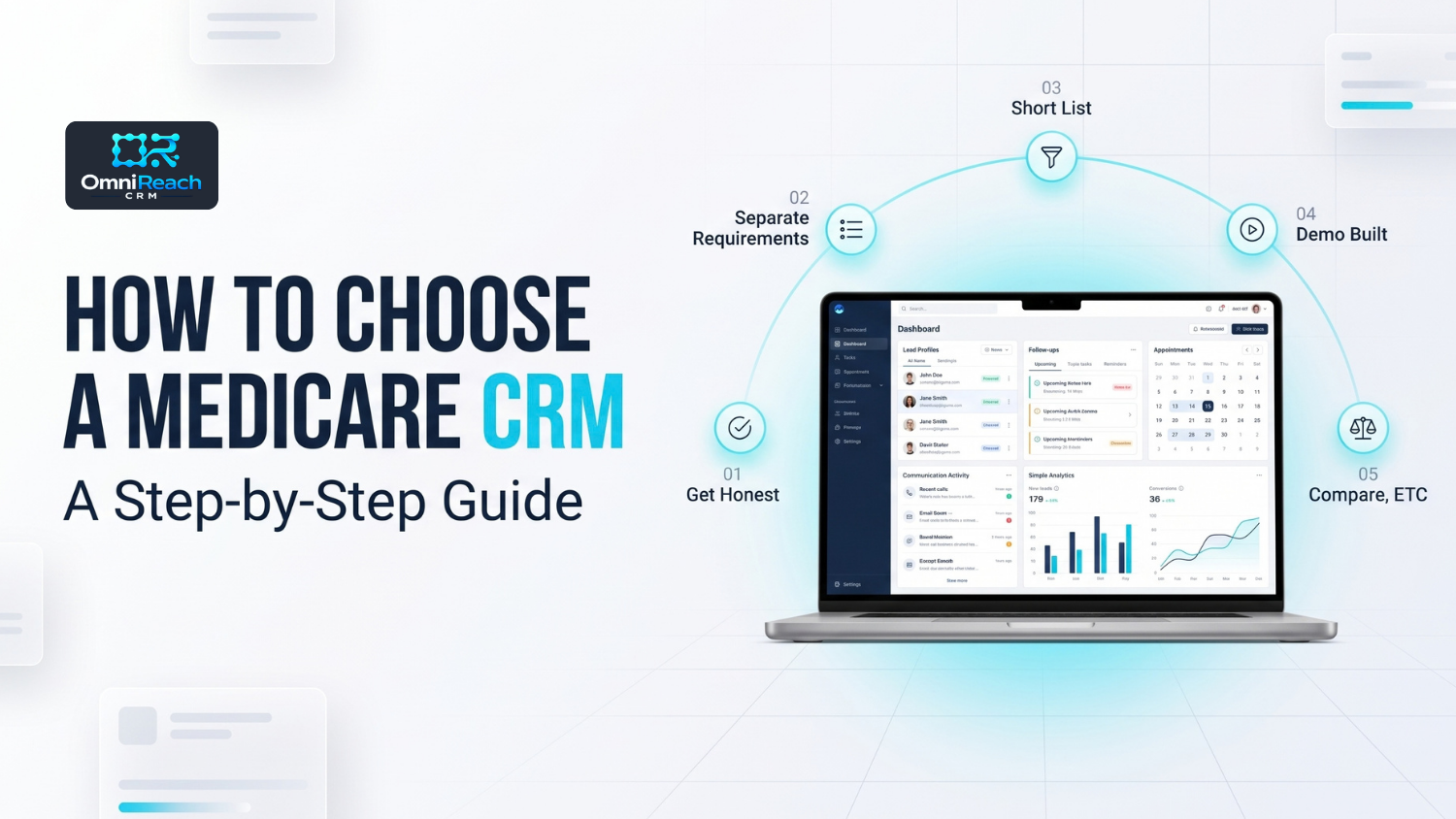
Choosing a Medicare CRM is a process, not a single decision. Start by identifying where your time goes — new leads, existing-client servicing, or agency and downline administration. Then separate required capabilities from preferences, create a short list, test each platform against a realistic workflow, compare the total cost at your actual team size, verify data export and contract terms, and plan implementation carefully.
A CRM can help organize workflows, communications, documentation, and records. It does not, by itself, make an agent or agency compliant with CMS requirements, HIPAA, TCPA/FCC rules, carrier requirements, or state insurance laws.
- Start by identifying whether your primary need is lead management, existing-client servicing, or agency/downline administration.
- Evaluate HIPAA-related safeguards and BAA availability when HIPAA applies to your organization and the vendor relationship.
- Look for Medicare-specific workflows that match the work your team actually performs.
- Build a short list of two or three platforms instead of comparing every CRM available.
- Test each platform with a realistic workflow rather than relying on a rehearsed vendor demonstration.
- Compare the total expected cost at your actual team size and communication volume.
- Review data export, contract, cancellation, retention, and implementation terms before signing.
- If the CRM automates Medicare communications, verify permission-to-contact, opt-out, documentation, call-recording, and retention capabilities before activating those workflows.
- Plan implementation around your operational calendar, especially during high-volume enrollment periods.
Every CRM's homepage can start to sound similar: Medicare-focused, automated follow-up, easy to use, secure, and built for insurance.
After several demonstrations, it can become difficult to distinguish what actually matters from what simply sounds good in a sales presentation.
Choosing a medicare crm is easier when you break the decision into smaller steps.
The goal isn't to find the platform with the longest feature list. It's to identify the capabilities your organization actually needs, test them in realistic situations, and understand what responsibilities remain with the agent or agency.
Step 1: Get Honest About Where Your Time Actually Goes
Before comparing platforms, identify what is actually consuming your time.
Three common patterns include:
- Lead-heavy — much of the week is spent managing new prospects, follow-up, appointment scheduling, and lead assignment.
- Servicing-heavy — much of the week is spent managing an existing book, including client reviews, renewals, documentation, and ongoing service.
- Agency or downline-heavy — the primary challenge involves managing producers, assigning leads, reviewing activity, administering workflows, or handling agency-level reporting.
A crm for medicare agents built around lead management may address a different operational need from a system focused on servicing an established book.
Likewise, an agency may need capabilities that an individual producer does not.
Start with the workflow before starting with the software.
Step 2: Separate Requirements From Preferences
Not every CRM feature deserves the same weight.
Start by separating capabilities into three categories:
Required
These are capabilities your organization genuinely needs to operate the way you intend to operate.
Examples might include:
- Appropriate security and access controls
- BAA availability when applicable to the relationship
- Medicare-relevant workflow capabilities
- Communication documentation
- User permissions
- Data export
- Required recordkeeping capabilities
- Integration with systems your organization already depends on
Important
These may significantly improve the workflow but may not be absolute requirements.
Examples include:
- Automated follow-up
- Appointment scheduling
- Reporting
- Lead assignment
- Renewal reminders
- Client segmentation
- Communication history
- Agency-level dashboards or visibility
Nice to Have
These are capabilities that may improve convenience without determining whether the CRM can perform the core job.
Examples might include:
- AI-assisted tools
- Bilingual workflow features
- Additional integrations
- Advanced automation
- Additional communication channels
This separation helps prevent a flashy feature from distracting you from a fundamental operational requirement.
What About a Medicare Enrollment CRM?
If enrollment is part of your workflow, evaluate whether the CRM can represent the actual stages your organization needs to document.
For example, the workflow might include:
Lead → Contact → Appointment → Applicable SOA Documentation → Plan Review → Enrollment → Post-Enrollment Service
The exact workflow should reflect the organization's actual process and applicable CMS, carrier, and state requirements.
A CRM stage should not be treated as proof that a required compliance step has occurred.
Step 3: Build a Short List, Not a Long One
Once you know what you need, narrow the field.
Two or three platforms can provide a manageable comparison without requiring your team to conduct a dozen full demonstrations.
The purpose of the short list is not to identify a universal "best CRM."
It is to identify platforms that are capable of handling your specific workflow.
If you're comparing Medicare CRM options, our breakdowns of OmniReach vs Agent CRM and OmniReach vs MedicarePRO provide examples of how different CRM approaches can be evaluated.
Step 4: Ask for a Demo Built Around Your Workflow, Not Theirs
A vendor demonstration can show you what the software is capable of.
A workflow test shows you whether those capabilities actually work for your organization.
Bring realistic scenarios to the demonstration.
For example:
- A new lead entering the CRM
- A lead requiring follow-up
- An appointment being scheduled
- A client requiring a plan review
- An existing client moving through a renewal workflow
- An agency administrator reviewing producer activity
- A communication that needs to be documented
- A call that needs to be recorded and retained
Ask the vendor to run the scenario live.
Then ask:
What happens automatically?
What requires an agent to act?
What gets documented?
Who can see the information?
What happens when the workflow changes?
Can the record be retrieved later?
This can reveal operational gaps that a standard feature presentation may not show.
Step 5: Compare What It Actually Costs at Your Size
Pricing pages can make CRM costs appear straightforward.
Your actual cost may depend on:
- Number of users
- Communication volume
- Usage charges
- Integrations
- Data migration
- Onboarding
- Additional services
- Storage or recording requirements
Ask directly:
- Is the platform priced per user, as a flat fee, or based partly on usage?
- What is included?
- What costs extra?
- Are there setup or onboarding charges?
- Are migration services available?
- Do communication costs change with usage?
- Does pricing change as the organization grows?
Then calculate the expected cost using your actual team size and expected usage.
Don't make the decision based solely on an advertised starting price.
Step 6: Check the Exit Before You Sign
Data portability deserves attention before the CRM is implemented, not after the organization decides to leave.
Before signing, confirm:
- Can you export your data?
- What format is the export provided in?
- Are notes included?
- Are attachments included?
- Are communication records included?
- Are call recordings included?
- Are transcripts included when applicable?
- How long is the contract?
- What does cancellation require?
- What happens to records after cancellation?
- Are there additional migration or export charges?
These questions become particularly important when the CRM contains Medicare client information and historical documentation.
Don't assume that everything visible in the CRM will automatically be included in an export.
Get the answer from the vendor and, where appropriate, review the contractual language.
Step 7: Evaluate Compliance Support Before Activating Automation
This is one of the most important steps for a Medicare organization.
A CRM may be able to automatically send texts, emails, make calls, schedule follow-ups, or trigger other communications.
The existence of that capability does not establish that the communication is permitted.
Before activating automated Medicare outreach, evaluate:
Permission to Contact
Document how the contact information was obtained and what permission, if any, was provided for the applicable communication method.
A phone number in a CRM is not automatically permission to make every type of call or send every type of text.
Opt-Out Handling
Ask:
- How are opt-outs recorded?
- Does an opt-out stop future automated communication?
- Can an agent override automation?
- Is the opt-out history retained?
Communication Documentation
Ask whether the system can document relevant communications and make those records retrievable.
Call Recording
If the organization uses call recording for Medicare marketing, sales, or enrollment activity, ask exactly what the system records and how recordings are retained.
For CY2027, CMS finalized a six-year retention framework for Medicare marketing and sales calls. Audio must be retained for the first three years, while years four through six may be maintained as audio or a complete and accurate transcript. Enrollment records have separate retention requirements.
The vendor should be able to explain how its current recording and retention configuration works.
Medicare Disclosures
If automated or recorded communications involve Medicare marketing activity, ask how required disclosures are handled and documented.
For example, CMS's CY2027 rules changed the timing of the TPMO disclaimer so that it must be provided before discussion of any benefits.
The important CRM question is not simply whether a disclaimer can be inserted.
It is whether the workflow can be configured so that the applicable requirement is actually followed.
Scope of Appointment
If the CRM stores or manages SOA-related documentation, ask:
- Where is the documentation stored?
- Can the agent retrieve it?
- Can the agency verify when it was completed?
- Can the record be associated with the applicable appointment?
- Can the workflow distinguish applicable product categories?
CMS guidance explains that marketing appointments must remain within the agreed scope, with applicable documentation completed before the appointment.
The CRM can help organize this documentation.
The agent and agency remain responsible for following the applicable requirements.
Step 8: Evaluate HIPAA and Security Carefully
HIPAA should be evaluated based on the organization's actual circumstances rather than treated as a generic software checkbox.
HHS explains that HIPAA applies to covered entities and business associates when the applicable definitions are met. When a covered entity engages a business associate to handle protected health information on its behalf, an appropriate written business associate agreement is generally required.
That means a CRM evaluation should ask:
- Does the vendor provide a BAA when one is required?
- What information does the vendor receive, maintain, or transmit?
- What safeguards are used?
- How are user permissions managed?
- Are access logs available?
- How are security incidents handled?
- What happens to information when the relationship ends?
- What subcontractors may have access to applicable information?
- What documentation does the vendor provide about its security practices?
Most importantly:
A BAA or security feature set does not make the agency automatically HIPAA compliant.
The organization still has its own policies, procedures, workforce, security, privacy, and risk-management responsibilities.
HHS also notes that merely providing software does not necessarily create a business associate relationship if the vendor does not have access to PHI; the relationship depends on what the vendor actually does with the information.
Step 9: Time the Switch Deliberately
CRM migrations require time.
There may be:
- Data cleanup
- Data mapping
- User training
- Workflow configuration
- Testing
- Integration work
- Communication setup
- Record migration
- Troubleshooting
For that reason, many organizations may prefer to schedule a migration during a period when the operational impact can be managed.
AEP and other high-volume periods should be considered when planning the timing.
That doesn't mean a business can never change systems during a busy enrollment period. If an existing system is creating serious operational problems, the organization has to weigh those risks against the risks and workload associated with migration.
The important point is to make the decision deliberately rather than treating migration timing as an afterthought.
Step 10: Plan the Rollout, Not Just the Purchase
Selecting the CRM is only the beginning.
For a solo agent, implementation may involve learning the system, configuring workflows, and testing communications before relying on them.
For an agency, implementation may also involve:
- User permissions
- Standard workflows
- Training
- Lead assignment
- Documentation procedures
- Automation rules
- Communication policies
- Recordkeeping
- Escalation procedures
Before launching automated workflows, test them with appropriate test records.
Your uploaded Medicare workflow guidance emphasizes testing automation, checking triggers and conditions, avoiding overlapping workflows, and creating stop conditions so automation does not continue after a contact's status changes.
That is especially important in Medicare because an automated message that was appropriate yesterday may become inappropriate after an appointment is scheduled, a consumer opts out, or the contact's status changes.
Quick Reference: Before You Sign
| Question | Why It Matters |
|---|---|
| Does this match where my time actually goes? | Helps prevent selecting a platform built around the wrong workflow |
| Does the vendor provide appropriate security safeguards and a BAA when applicable? | Helps evaluate the vendor relationship and your own compliance responsibilities |
| Does the CRM support the Medicare workflows I actually use? | Prevents forcing important processes into generic stages |
| Did I see my own workflow in the demonstration? | A generic demo may not reveal operational gaps |
| How are automated communications controlled? | Helps evaluate permission, opt-out, and workflow requirements |
| How are calls and other relevant records documented and retained? | Important for applicable Medicare recordkeeping requirements |
| What does the CRM cost at my actual team size and usage level? | Advertised pricing may not reflect actual operating cost |
| Can I export my records if I leave? | Helps evaluate data portability and transition risk |
| Who can see and change records? | Important for privacy, security, and agency administration |
| Am I planning implementation during a high-volume period? | Helps reduce avoidable operational disruption |
Conclusion
Choosing a Medicare CRM becomes easier when the decision is broken into a sequence.
Start with the work your organization actually needs to manage.
Separate requirements from preferences.
Build a short list.
Test realistic workflows.
Evaluate automation and communication controls.
Review security and HIPAA-related responsibilities where applicable.
Compare the total cost.
Confirm data portability and contract terms.
Then plan the implementation carefully.
The CRM is one part of the operating process. The agent or agency remains responsible for using it in accordance with applicable CMS, federal, state, carrier, privacy, and internal requirements.
See What This Looks Like With Your Own Workflow
Reading about CRM selection is useful, but testing a platform against a real workflow can reveal much more.
OmniReach is positioned around Medicare-specific pipelines, automated follow-up, unified communications, client management, and security-related infrastructure.
You can check the pricing page, review HIPAA and security infrastructure, or bring a real workflow to a demo.
For the compliance side of the decision, review Medicare compliance requirements for agents.
The goal is to choose a CRM that supports the way your organization actually operates while keeping compliance responsibilities with the people responsible for them.
Frequently Asked Questions
Q1: How many CRMs should I actually demo before deciding?
There is no required number. Two or three platforms can provide a manageable comparison once you have clearly identified your requirements.
The important part is to test each platform against the same realistic workflow.
Q2: Is HIPAA compliance something I should compare, or just assume every platform has?
Compare the actual safeguards and contractual arrangements.
Ask whether a BAA is available when applicable, what information the vendor handles, what security controls are provided, how access is managed, and what responsibilities remain with your organization.
A vendor's description of its platform should not be treated as proof that your organization is independently compliant.
Q3: Should pricing or features matter more in the decision?
Neither should be considered in isolation.
A platform needs to support the workflows your organization actually uses, and the total cost needs to make sense at your actual team size and usage level.
Q4: What's a common mistake agents make when choosing a Medicare CRM?
Comparing feature lists before identifying the operational problem they are trying to solve.
Start by determining whether the primary need is lead management, existing-client servicing, agency administration, communication management, documentation, or another workflow.
Q5: Is it possible to switch CRM platforms during AEP?
It is possible, but the organization should carefully evaluate the operational risks.
Migration can involve data transfer, workflow configuration, training, testing, and troubleshooting. During a high-volume period, those activities can compete with normal client and enrollment work.
If a current system is creating significant problems, evaluate the risks of staying versus migrating rather than applying a blanket rule.
Q6: How much should data portability factor into the decision?
It should be part of the evaluation before signing.
Ask exactly what data can be exported, what format it comes in, whether communication history and attachments are included, whether call records are included, and what happens to historical records after cancellation.
Q7: Can a CRM make my Medicare communications compliant?
No.
A CRM can help organize and document communications and can support automated workflows.
The agent or agency still needs to determine whether the communication is permitted, whether applicable permission has been obtained, whether opt-outs are honored, and whether CMS, TCPA/FCC, carrier, state, and other requirements have been addressed.
Q8: Should a Medicare CRM have a call-recording feature?
If your organization's activities require recorded calls, the CRM's recording capabilities should be evaluated carefully.
Ask what calls are recorded, whether the entire applicable call is captured, how recordings are retained, whether transcripts are supported where permitted, how records can be retrieved, and how the system supports applicable retention requirements.
Q9: Does having a BAA mean my agency is HIPAA compliant?
No.
A BAA can be an important part of an applicable business associate relationship, but it does not replace the organization's own HIPAA policies, procedures, safeguards, workforce requirements, and other applicable obligations.
HHS explains that covered entities and business associates have separate responsibilities under the HIPAA Rules.
Q10: What should I test before activating CRM automation?
Test the complete workflow.
That can include:
- Lead entry
- Assignment
- Permission-to-contact documentation
- Automated communication
- Opt-out handling
- Appointment scheduling
- SOA-related documentation where applicable
- Call recording
- Record retrieval
- Workflow stop conditions
- User permissions
The goal is to verify not just that the automation works, but that it works as intended when a contact's status changes.
See how OmniReach fits your workflow
Bring a real workflow to a 20-minute demo. See Medicare-specific pipelines, unified communications, and automated follow-up in action.
Book a Free Demo →