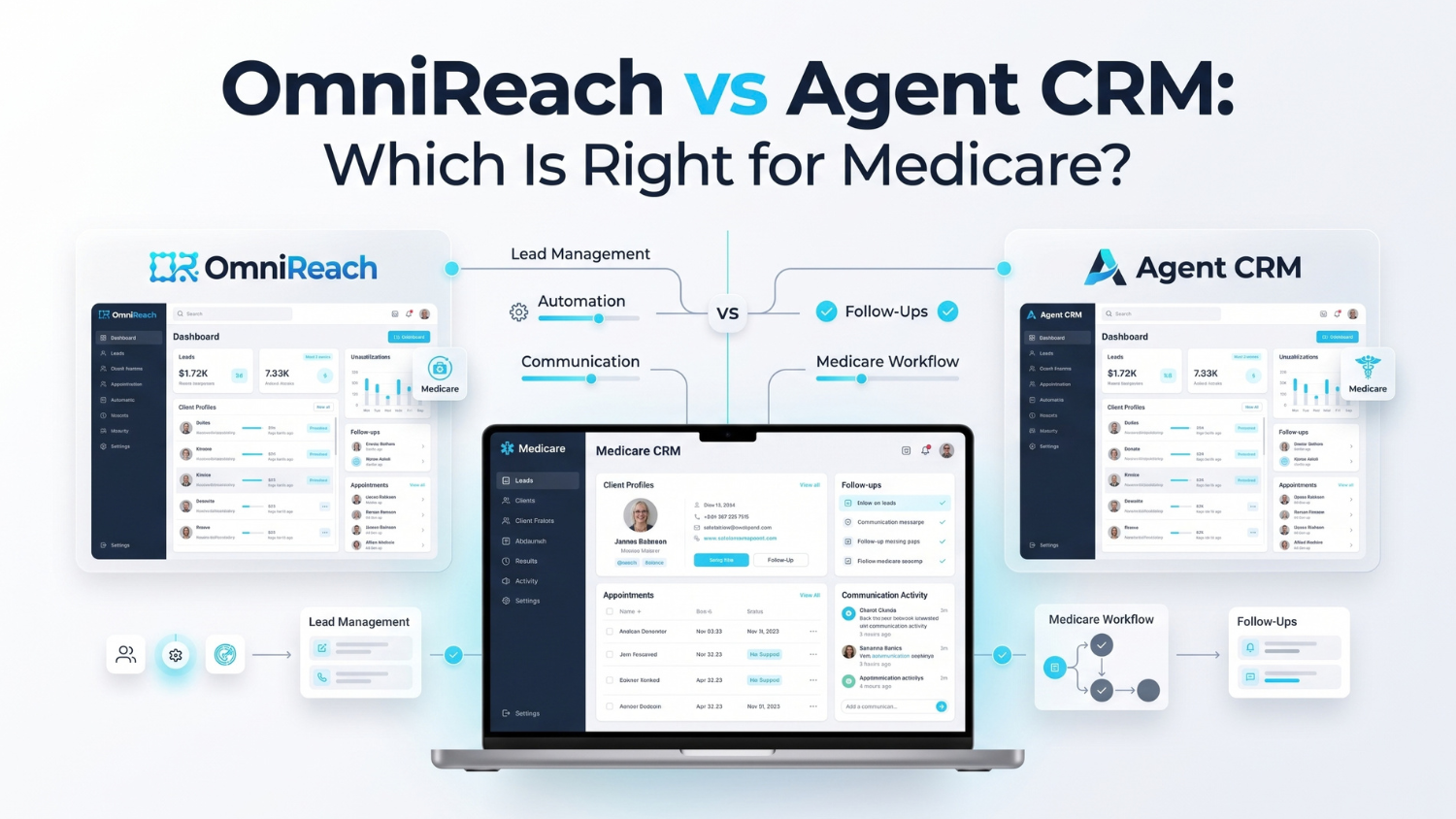
OmniReach and Agent CRM are both built around insurance sales workflows, but they take somewhat different approaches to the CRM experience. OmniReach positions itself around an all-in-one insurance CRM with pre-built Medicare pipelines, automated follow-up, unified communications, calendars, reporting, and security infrastructure. Agent CRM is built on the HighLevel platform and adds insurance-specific workflows, campaigns, automation, AI tools, and agency functionality.
For Medicare agents, the useful comparison isn't simply which platform has more features. It's whether the CRM fits the way you manage leads, appointments, communications, client records, automation, and agency operations — while still leaving compliance responsibilities with the agent or agency.
- OmniReach is positioned as an insurance-focused CRM with pre-built Medicare workflows, unified communications, automation, calendars, and client-management tools.
- Agent CRM combines the HighLevel platform with insurance-specific workflows, Branning Bundles, AI tools, and marketing automation.
- Both platforms offer Medicare-focused functionality, so the important differences are workflow structure, automation approach, customization, agency needs, support, and overall system design.
- HIPAA-related infrastructure and a BAA can support an organization's privacy and security processes, but neither CRM makes an agency automatically compliant with CMS, HIPAA, TCPA/FCC, carrier, or state requirements.
- The best crm for medicare agents depends on how much pre-built infrastructure the agent wants versus how much flexibility and marketing automation they want to configure.
- Agencies should test both systems with an actual Medicare workflow before making a decision.
OmniReach vs Agent CRM: What Are You Actually Comparing?
If you're searching for a medicare insurance crm, you've probably already discovered that most platforms can manage contacts, pipelines, appointments, and follow-up.
That's not the difficult part.
The real question is what happens when you put an actual Medicare workflow inside the system.
A new lead comes in. Someone needs to follow up. An appointment gets scheduled. The prospect responds. Client activity needs to be documented. The agent needs the previous conversation before the next call. During AEP, the volume increases dramatically.
A CRM needs to support that entire process without making the agent rebuild the workflow every time.
That's where OmniReach and Agent CRM take different approaches.
OmniReach vs Agent CRM at a Glance
| Category | OmniReach | Agent CRM |
|---|---|---|
| Primary positioning | Insurance CRM built around Medicare, life, and final expense workflows | Insurance CRM and marketing platform built on HighLevel |
| Medicare workflows | Pre-built Medicare-specific pipelines and workflows | Medicare Branning Bundle with workflows, campaigns, and pipelines |
| Lead follow-up | Automated follow-up and speed-to-lead workflows | Automated follow-up, campaigns, AI tools, and workflow automation |
| Communications | Calls, texts, email, and web chat in one system | Multichannel communications through the HighLevel-based platform |
| Calendars | Self-booking calendars and reminders | Appointment scheduling and automated reminders |
| Client management | Book-of-business, client records, renewals, reviews, and re-engagement workflows | Contact management, campaigns, pipelines, and insurance-specific workflows |
| HIPAA-related infrastructure | Encrypted communications, audit logs, role-based access, and BAA described by OmniReach | HIPAA-related infrastructure and BAA described by Agent CRM |
| Agency/FMO use | Agency and FMO functionality is part of OmniReach's public positioning | Agency accounts, sub-accounts, and administrative tools are offered |
| Customization approach | Pre-built insurance workflows with configurable stages and automations | Highly configurable HighLevel-based environment with insurance-specific bundles |
| Support | 24/7 live chat described by OmniReach | Insurance-focused support, with additional support options depending on plan |
| Pricing structure | Flat platform pricing with separate communication usage charges | Tiered plans with different included features/support |
Feature information above is based on the platforms' current public materials and can change over time. OmniReach describes Medicare-specific pipelines, unified communications, automation, client management, and security controls. Agent CRM describes its HighLevel foundation, Medicare Branning Bundle, insurance automation, AI tools, and agency functionality.
What Makes OmniReach Different?
OmniReach is positioned as an insurance-specific CRM rather than a general CRM that an insurance agency has to build around.
Its current public materials describe pre-built pipelines for Medicare, life, and final expense, automated follow-up, a unified inbox for calls, texts, emails, and web chat, self-booking calendars, smart lists, reporting, and Medicare client-management functionality.
That approach matters if your goal is to start with an insurance workflow that already resembles the way your agency operates.
Pre-Built Medicare Workflows
OmniReach describes Medicare-specific pipelines and workflows rather than asking the user to begin with generic sales stages.
For a Medicare agent, that can mean less time spent creating the basic structure of:
New Lead → Nurture → Appointment → Follow-Up → Enrollment/Client
The exact stages and automations should still be reviewed and configured for the agency's process.
One Place for Communications
OmniReach currently describes calls, texts, emails, and web chat within a unified contact timeline. That can be useful when an agent needs to see the history of a conversation before making the next contact.
This is particularly relevant during AEP, when conversations can move quickly between phone calls, texts, emails, appointments, and follow-up tasks.
Book-of-Business Management
OmniReach also positions itself beyond lead management.
Its Medicare client-management materials describe client records, policy information, renewal tracking, review reminders, segmentation, and re-engagement workflows.
That makes the platform relevant not only for acquiring a lead, but for managing the relationship after enrollment.
What Makes Agent CRM Different?
Agent CRM takes a different route.
Its public materials describe Agent CRM as being built on HighLevel infrastructure and then configured specifically for insurance agents. Its Medicare offering includes the Branning Bundle, which includes Medicare-focused workflows, pipelines, marketing campaigns, appointment reminders, and other automation tools.
Agent CRM also promotes AI-powered tools, bilingual campaigns, lead sorting, appointment automation, and other marketing functionality.
HighLevel Foundation
The HighLevel foundation is important because it gives Agent CRM a broad marketing-automation environment.
That can be useful for agencies that want to build beyond a basic CRM workflow and make extensive use of funnels, campaigns, automation, websites, messaging, and other marketing functions.
Agent CRM's own comparison material emphasizes that the platform combines HighLevel's underlying functionality with insurance-specific configuration and support.
Medicare Branning Bundle
Agent CRM's Medicare materials describe a pre-built Medicare bundle containing workflows, pipelines, marketing campaigns, and automation.
Its current materials also describe T65-related automation, AEP/OEP campaigns, segmentation, bilingual campaigns, and other Medicare-oriented tools. It's worth noting that OEP-related campaigns carry their own restriction: CMS prohibits knowingly targeting Medicare Advantage beneficiaries during the OEP as an opportunity to make additional sales, so any OEP-specific automation needs to be reviewed against that rule before activation.
As with any pre-built campaign, an agency should review the actual content, triggers, permissions, timing, and carrier requirements before activating automated Medicare communications.
AI and Voice Automation
Agent CRM currently promotes AI tools including AgentAI and LOANNE, its AI voice assistant. Its public materials describe capabilities such as lead conversations, appointment booking, inbound calls, and outbound calling.
That creates another meaningful distinction between the platforms: Agent CRM places considerable emphasis on AI-driven communication and marketing automation.
If an agency is considering AI voice or automated outbound communication, however, the technology should be evaluated separately from the compliance requirements governing the underlying calls or texts.
How Do They Compare for Medicare Automation?
This is probably one of the most important questions for an agent.
A CRM can technically have automation without actually removing much work.
The useful test is what happens after you activate a workflow.
OmniReach
OmniReach emphasizes automated follow-up, pre-built insurance pipelines, calendars, smart lists, and client-management workflows. Its public materials state that new leads can trigger automated follow-up and that the platform is designed around insurance-specific pipelines.
Agent CRM
Agent CRM emphasizes broader marketing automation through HighLevel combined with its insurance-specific Branning Bundles.
Its materials describe automated email and SMS campaigns, pipeline automation, appointment reminders, lead sorting, and other campaign functionality.
The Practical Difference
The question isn't simply:
"Which one has more automation?"
Instead ask:
"Which automation model matches the way my agency actually works?"
If you want an insurance-specific system with pre-built Medicare workflows at the center, OmniReach's approach may be easier to evaluate.
If you want a broader marketing-automation environment with extensive HighLevel functionality and insurance-specific bundles layered into it, Agent CRM may provide a different type of flexibility.
Neither approach is automatically right for every agency.
What About HIPAA and Compliance?
This is where comparison articles often get careless.
Both platforms publicly describe HIPAA-related infrastructure and BAA availability. OmniReach describes encrypted communications, audit logs, role-based access controls, and a signed BAA. Agent CRM similarly describes HIPAA-related infrastructure and a BAA.
That's useful infrastructure.
But it isn't the same thing as saying:
"The CRM makes you compliant."
It doesn't.
Medicare agents and agencies still have separate responsibilities involving CMS marketing requirements, Scope of Appointment procedures, communications, recordkeeping, TCPA/FCC requirements, carrier rules, state insurance requirements, and privacy/security procedures.
A BAA also does not eliminate an organization's own HIPAA responsibilities.
So when comparing a medicare insurance crm, ask:
- Is a BAA available when applicable?
- How is sensitive information protected?
- What access controls exist?
- Are relevant activities documented or logged?
- What records can be retrieved?
- How are communications stored?
- What does the agency need to configure?
- What compliance responsibilities remain outside the software?
That's a much more useful conversation than simply checking a "HIPAA" box.
Which CRM Is Better for an Individual Medicare Agent?
There isn't one universal answer.
An individual agent should look closely at daily workflow.
OmniReach may be worth evaluating if you want:
- Medicare-specific pipelines already structured
- A CRM centered around insurance workflows
- Calls, texts, emails, and web chat in one system
- Automated follow-up
- Calendar and appointment functionality
- Book-of-business management
- Renewal and review workflows
- A relatively straightforward insurance-specific environment
Agent CRM may be worth evaluating if you want:
- HighLevel-based marketing functionality
- Medicare-specific Branning Bundles
- Extensive campaign automation
- AI-assisted lead management
- AI voice capabilities
- Bilingual campaign functionality
- A broader marketing and funnel environment
- More room to build customized marketing workflows
The right choice depends on which of those capabilities actually matter to your business.
Which CRM Makes More Sense for a Medicare Agency?
A medicare agency crm has additional requirements beyond what a solo producer may need.
The agency may care about:
- Multiple users
- Lead assignment
- Shared workflows
- Reporting
- User permissions
- Standardized pipelines
- Marketing consistency
- Documentation
- Training
- Administrative visibility
- Data management
OmniReach publicly positions its platform for agencies and FMOs, including downline management and pipeline visibility.
Agent CRM also offers agency accounts with administrative access, sub-accounts, lead distribution functionality, and agency-focused support options.
The important point is to verify the exact permission structure before purchasing.
Don't assume that "agency dashboard" means every manager can see every record or that every producer has identical access.
Ask the vendor to demonstrate the exact roles your organization will use.
What About Pricing?
Pricing models are different enough that they deserve their own conversation.
OmniReach currently describes a flat platform fee with separate usage charges for calls, texts, and emails. Its public materials also state that there are no per-seat charges.
Agent CRM uses a tiered structure, with different levels of functionality and support. Its public materials describe different plans for individual agents and agencies.
Rather than comparing one advertised monthly number, ask:
- What is included?
- Are there usage charges?
- Are there per-user charges?
- Which automation tools are included?
- Which AI tools are included?
- What support level comes with the plan?
- What does an agency account cost?
- Are there setup or onboarding costs?
- What happens when the team grows?
That gives you a much more accurate picture of total cost.
What Should You Test Before Choosing?
Don't make the decision from a feature comparison table alone.
Ask both vendors to demonstrate the same workflow.
Test #1: New Medicare Lead
Have the vendor show:
- Lead enters the CRM.
- Lead is assigned.
- Agent is notified.
- Appropriate workflow starts.
- Contact and source information are recorded.
- Agent takes over the conversation.
Test #2: Appointment
Ask them to demonstrate:
- Calendar booking
- Confirmation
- Reminder
- Rescheduling
- No-show handling
- Agent follow-up
- Documentation
Test #3: Compliance Documentation
Ask:
- Where is contact permission documented?
- Where is SOA information stored when applicable?
- How are opt-outs handled?
- How are communication records retrieved?
- What access controls exist?
- What does the BAA cover?
- What does the agency remain responsible for?
Test #4: AEP
This is the big one.
Ask both vendors to demonstrate how the system handles a realistic AEP workload.
Can the agent:
- Find the right clients quickly?
- Segment a book?
- Track appointments?
- See previous communications?
- Create appropriate follow-up tasks?
- Pause or change workflows?
- Review client information without switching between multiple systems?
That demonstration will tell you much more than a sales presentation.
So, Which One Should You Choose?
That's the wrong question to ask before defining what you need.
The better question is:
Which system matches the workflow your agency is actually trying to build?
OmniReach and Agent CRM both provide Medicare-focused CRM and automation capabilities, but their product approaches differ.
OmniReach emphasizes an insurance-specific, all-in-one CRM with pre-built pipelines, unified communications, client-management workflows, and operational simplicity.
Agent CRM emphasizes the HighLevel foundation, insurance-specific Branning Bundles, broader marketing automation, AI tools, and agency functionality.
For someone searching for best crm for medicare agents, the deciding factor should be the actual workflow — not the number of features on a comparison page.
Where OmniReach Fits
If your priority is bringing Medicare lead management, client management, communication, automation, calendars, and insurance-specific pipelines into one environment, OmniReach is designed around that use case.
Its current public materials describe Medicare-specific workflows, client-management functionality, automated follow-up, unified communications, smart lists, reporting, and security infrastructure.
The platform can support the operational side of a Medicare agency, but the agency remains responsible for configuring and using the system appropriately.
If you're comparing platforms, the best next step is to see your actual workflow inside the software rather than relying on a feature checklist.
Explore the pricing page, review the HIPAA and security information, or schedule a demo. You can also review Medicare compliance requirements for agents before configuring automated Medicare workflows.
The right CRM isn't the one with the longest feature list. It's the one your team can actually use, document, and manage consistently.
Frequently Asked Questions
Q1: Is OmniReach or Agent CRM better for Medicare agents?
There isn't one answer for every agent. OmniReach emphasizes an insurance-specific CRM with pre-built Medicare workflows, unified communications, client management, and automation. Agent CRM combines HighLevel functionality with insurance-specific bundles, marketing automation, AI tools, and agency features. The better choice depends on the workflow and functionality the agent actually needs.
Q2: Is Agent CRM built specifically for Medicare?
Agent CRM is built for insurance agents across multiple lines, and it offers a Medicare-specific Branning Bundle with Medicare workflows, campaigns, and automation. Its broader platform also supports other insurance lines.
Q3: Is OmniReach only for Medicare agents?
No. OmniReach's current public materials position it for Medicare, life, final expense, and other insurance producers. It also describes agency and FMO functionality.
Q4: Do both platforms support HIPAA-related requirements?
Both platforms publicly describe HIPAA-related infrastructure and BAA availability. That does not mean purchasing either platform automatically makes an organization HIPAA compliant. The agency still has responsibilities involving access controls, policies, workforce practices, data handling, and other applicable requirements.
Q5: Which CRM is better for a Medicare agency?
That depends on the agency's structure and priorities. Compare user permissions, lead assignment, reporting, workflow sharing, automation, support, data handling, and administrative visibility. Then ask the vendor to demonstrate those functions using the agency's actual workflow.
Q6: Can both CRMs automate Medicare follow-up?
Yes. Both platforms publicly describe automated follow-up and Medicare-focused workflows. The important question is what the automation actually does and how the agency configures it. Automated communications still need to comply with applicable CMS, carrier, TCPA/FCC, state, privacy, and internal requirements.
Q7: Should I choose based on the number of features?
Not necessarily. A feature is useful only if it solves a real workflow problem. During a demo, test the tasks your agents perform every day rather than counting features on a sales page.
See OmniReach for Your Medicare Workflow
OmniReach unifies Medicare pipelines, communications, calendars, and client management. Book a 20-minute demo to see your workflow in action.
Book a Free Demo →