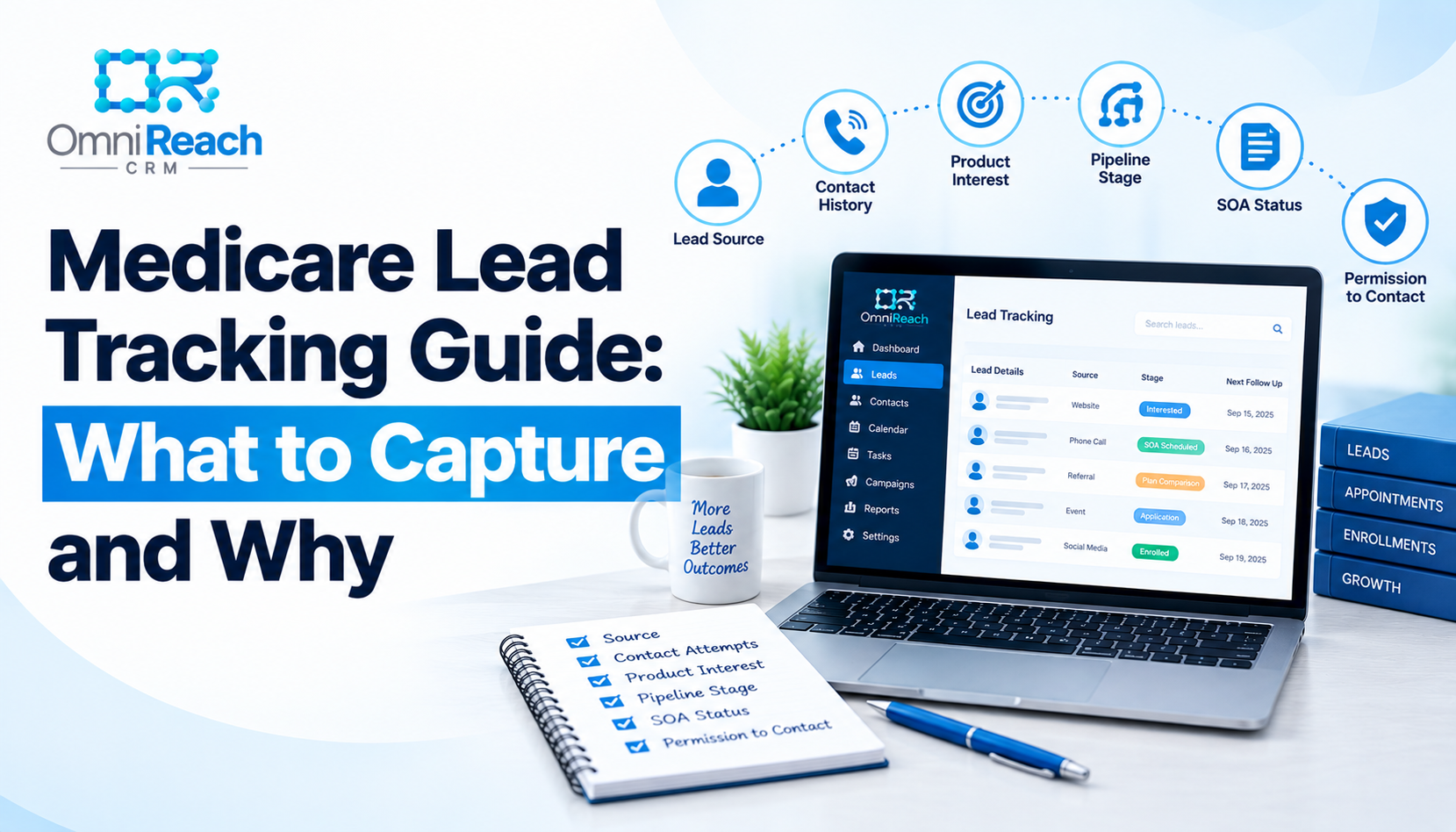
Overview: Tracking a Medicare lead properly means capturing more than a name and a phone number. A complete record can include the lead source, contact attempts with date and outcome, the products or line of business the lead is interested in, where the lead sits in the enrollment pipeline, whether a Scope of Appointment has been completed when applicable, and documentation of how and when permission to contact was obtained. Without this information, agents can lose visibility into which leads are actually being worked, and agencies can have difficulty retrieving the documentation associated with a contact. A CRM built for Medicare work can help organize and store this information consistently, though the agent and agency remain responsible for meeting the underlying requirements themselves.
- A complete lead record needs more than contact info — source, contact history, disposition, product interest, and pipeline stage all belong in it.
- Every contact attempt should be logged with date, method, and outcome, not just the ones that go well.
- Documenting how and when permission to contact was obtained is a separate habit from SOA tracking — a lead existing doesn't mean contact is automatically authorized.
- TCPA requirements can differ depending on the type of call or text, the technology used, the purpose of the communication, and the consent involved — treat this as an area that requires ongoing review.
- Standardized disposition codes make patterns visible across a book that memory or a notebook never will.
- A CRM built for this can help keep it organized, but the agent and agency stay responsible for actually meeting the requirements.
You know you talked to that lead. You just can't remember if it was Tuesday or Thursday, whether you left a voicemail or actually spoke to them, or if they ever agreed to being contacted through a particular method in the first place. Multiply that by sixty active leads during AEP, and "I'm pretty sure" stops being a useful record.
Real medicare lead tracking means the important details live somewhere retrievable — not in your memory, and not scattered across three different apps. Here's what actually belongs in a complete lead record, and why each piece matters.
What "Tracking" Actually Means (Beyond a Name and a Number)
A spreadsheet with a name, a phone number, and a status column isn't really a tracking system — it's a list. Real tracking captures what happened, when it happened, and what's supposed to happen next, for every lead, not just the ones that convert.
That distinction matters in Medicare sales because important operational records can include permission-to-contact information, SOA status, and disposition history. Keeping those details organized can make it easier to understand what happened during the sales process and retrieve the relevant record when a question comes up.
The Core Data Points a Complete Lead Record Needs
- Lead source and date received — where it came from and when the lead entered your process
- Every contact attempt — date, method (call, text, email), and outcome, including the ones that went to voicemail
- Product or line of business interest — such as MA, Med Supp, PDP, or another insurance product your workflow supports, so follow-up isn't generic
- Pipeline stage — where the lead actually sits (interested, SOA scheduled, plan comparison, application submitted, enrolled), not a vague "open" or "closed"
- SOA status and date, once applicable
- Documentation of permission to contact — how and when it was given, and through what method
Permission to Contact Deserves Its Own Line Item
A phone number sitting in your CRM doesn't mean you're free to call or text it however you'd like.
TCPA requirements depend on the type of communication and the technology being used. For example, FCC rules require prior express written consent for certain autodialed or prerecorded telemarketing calls and texts, while other types of communications can involve different consent standards. The Eleventh Circuit's January 2025 decision vacated the FCC's 2023 one-to-one consent restriction for TCPA robocalls and robotexts, but that did not eliminate the underlying TCPA consent requirements.
For Medicare marketing, there can also be separate CMS and carrier requirements governing beneficiary contact and the use or sharing of lead information. CMS has separately addressed consent requirements for TPMOs sharing personal beneficiary data for Medicare marketing or enrollment purposes.
The practical habit worth building is straightforward: document how, when, and through what method a lead's permission was obtained, along with the relevant scope and disclosures, and keep that record somewhere retrievable.
This is separate from a Scope of Appointment. An SOA addresses the products within the scope of an applicable Medicare marketing appointment. Permission to contact addresses whether and how a consumer may be contacted under the applicable communications requirements. A complete lead record may need to track both because they answer different questions. CMS guidance specifically limits what products can be discussed during an applicable marketing appointment to the scope agreed to by the beneficiary.
None of this is legal advice. TCPA requirements can be fact-specific, and agents should confirm their particular calling and texting practices with their compliance team or legal counsel.
Disposition Codes That Actually Tell You Something
"Followed up" isn't a disposition — it's a shrug. A useful set of codes is specific enough that anyone looking at the record knows exactly what happened and what should happen next.
| Disposition | What It Means | What Happens Next |
|---|---|---|
| Contacted — Interested | Spoke with lead, they want to continue | Move to the appropriate next step, such as SOA scheduling |
| Contacted — Not Now | Spoke with lead, not ready yet | Add to an appropriate longer-term follow-up process |
| No Answer | Attempted contact, no response | Log the attempt, retry according to your contact process |
| Voicemail Left | Message left, no callback yet | Log the attempt, set an appropriate follow-up reminder |
| Opted Out / Do Not Contact | Lead asked to stop being contacted | Suppress future contact as required, log the date |
| SOA Completed | Applicable SOA has been completed and documented | Move to the next appropriate sales-process stage |
| Enrolled | Application has been submitted and enrollment has been confirmed | Move to servicing and applicable renewal tracking |
When every agent on a team uses the same codes the same way, the data actually means something. When everyone invents their own shorthand, it doesn't.
Turning Tracked Data Into a Real View of Your Book
Once this is being logged consistently, patterns show up that a notebook never reveals — which lead sources generate more productive opportunities, how long leads sit before first contact, and where in the pipeline opportunities tend to stall.
That visibility is really what medicare lead management comes down to at scale: not working harder on any single lead, but seeing the whole book clearly enough to understand where attention may be needed.
Where This Fits After the Sale
Tracking shouldn't stop the moment someone enrolls. The same record can carry forward into servicing — renewal dates, annual review reminders, applicable follow-up, and changes in client status.
That ongoing piece is what medicare client management actually is: the same discipline applied after the sale as before it, rather than treating the client record as something that stops mattering after enrollment.
Common Gaps That Undo Good Tracking
- Inconsistent disposition codes across agents — makes reporting difficult to interpret the moment more than one person is involved
- No timestamp on permission documentation — "they said it was fine" isn't a useful record; document the date, method, and relevant details
- Only tracking leads that convert — the ones that don't convert can tell you just as much about where the pipeline needs attention
- No standard pipeline stages — if "in progress" can mean five different things, nobody can actually see where a lead stands
Conclusion
Tracking a Medicare lead well isn't about more paperwork — it's about not having to reconstruct the record from memory later, whether "later" means a callback next week or a compliance question down the road.
Source, contact history, disposition, product interest, pipeline stage, and permission documentation aren't six separate chores. They're pieces of one lead record that can help keep the sales process organized from the first inquiry through the ongoing client relationship.
The agents who feel in control of their book aren't necessarily the ones with the best memory. They're the ones who stopped relying on it.
Build This Structure Once, Use It for Every Lead
Most agents don't lack the discipline to track leads well — they lack a system that makes it the default instead of extra work. OmniReach CRM comes with Medicare-specific pipeline stages already in place and can help organize contact history, disposition tracking, and documentation in one record per lead — reducing how much depends on memory, without replacing the agent's or agency's responsibility for actually meeting applicable requirements.
See the pipeline structure on the pricing page, review how HIPAA-compliant data handling works, or walk through a live demo. For more on the compliance side specifically, read Medicare compliance requirements for agents and Medicare lead management best practices.
Frequently Asked Questions
Q1: What's the difference between a Scope of Appointment and permission to contact?
An SOA documents the products within the scope of an applicable Medicare marketing appointment. Permission to contact addresses whether and how a consumer may be contacted under the applicable communications requirements. They're separate considerations, and a complete record may need to track both independently. CMS guidance requires the scope of an applicable marketing appointment to be documented before the appointment and limits the discussion to the agreed-upon products unless the applicable requirements for adding another product type are satisfied.
Q2: How long should I keep contact and consent records?
There's no single universal retention period that applies to every type of contact or consent record. Retention can depend on the record type, applicable federal or state requirements, carrier requirements, and the circumstances of the communication.
As a practical habit, maintain records according to the applicable retention schedule for your organization and confirm specific retention requirements with your compliance team.
Q3: Does a phone call establish permission to text a lead later, or do I need separate written consent?
Don't assume that a phone conversation automatically establishes permission for every later form of communication.
The applicable requirement can depend on the type of call or text, whether an autodialer or prerecorded/artificial voice is used, whether the communication is telemarketing, and the consent that was obtained. FCC rules require prior express written consent for certain autodialed or prerecorded telemarketing calls and texts.
For Medicare marketing, carrier and CMS-related requirements may also apply. Review the specific communication workflow before activating automated calls or texts.
Q4: What disposition codes should every agent on my team use the same way?
At minimum, a shared standard for "contacted," "no answer," "opted out," "SOA completed," and "enrolled" keeps reporting meaningful.
Beyond that, the exact list matters less than everyone using the same definitions consistently.
Q5: Does tracking apply to leads that don't convert, or just the ones that do?
All of them.
Leads that don't convert can reveal where a pipeline is breaking down — slow follow-up, an unproductive source, an unanswered question, or a stage where opportunities tend to stall — just as the leads that close can show what's working.
Ready to Streamline Your Medicare Lead Tracking?
OmniReach CRM helps Medicare agents and FMOs track contact history, organize disposition codes, and maintain full pipeline visibility. Schedule a demo today.
Request Demo →