AI Overview
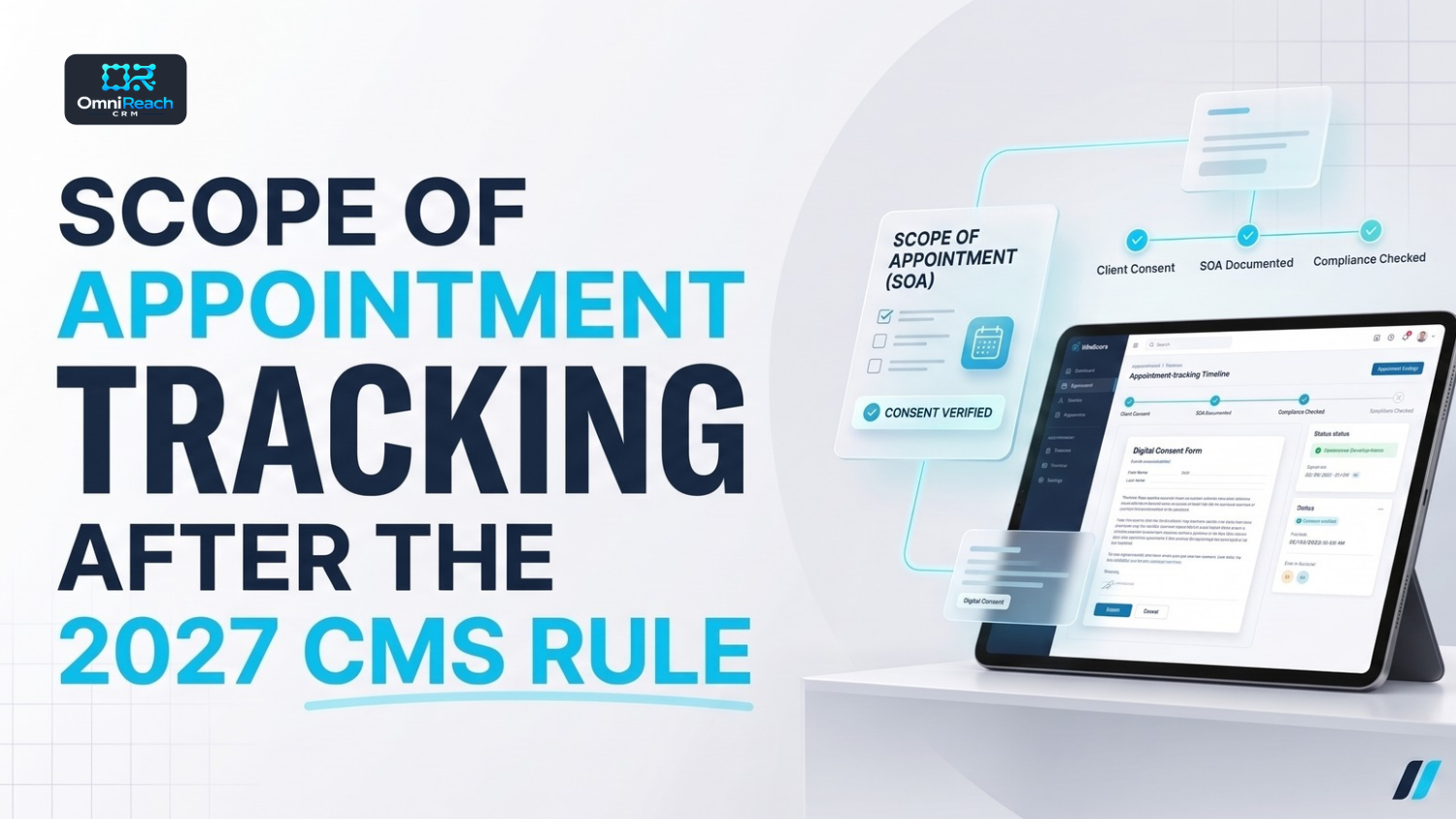
Scope of Appointment (SOA) tracking helps Medicare agents document which product types a beneficiary has agreed to discuss, when the agreement was recorded, and whether the documentation is available for review. Under the CMS Contract Year 2027 rule, the previous 48-hour waiting period was removed, but the SOA must still be agreed upon and recorded before the personal marketing appointment takes place. An appointment can be scheduled before the SOA is completed, provided the required SOA is in place before the appointment begins. A CRM can help organize SOA records, track dates, and create reminders, but agents and agencies remain responsible for following applicable CMS requirements and carrier procedures.
TL;DR
- An SOA must be agreed upon and recorded before the applicable personal marketing appointment takes place.
- The appointment can be scheduled before the SOA is completed; the SOA must be in place before the appointment itself.
- The previous 48-hour waiting period was removed under the CY2027 rule.
- Carriers must maintain a system for confirming that agents and brokers appropriately complete SOA records for personal marketing appointments, including telephonic and walk-in appointments.
- The SOA validity period is generally 12 months from the beneficiary’s signature date or initial request for information, as specified by the applicable rule.
- The scope of products discussed must match the documented agreement.
- SOAs can be received at educational events and collected at marketing events for future personal marketing appointments, subject to the applicable requirements.
- Record the capture method, collection setting, and relevant dates as part of a reliable documentation process.
- A CRM can support SOA tracking, but it does not make an agency compliant by itself.
What Is Scope of Appointment Tracking?
Ask five agents where their SOA records are stored and you may get five different answers: a PDF folder, a carrier portal, a call recording, an email attachment, or a document somewhere in the CRM.
That can make records difficult to locate when a carrier or compliance team requests them.
Carriers are required to maintain a system for confirming that agents and brokers appropriately complete SOA records for personal marketing appointments, including telephonic and walk-in appointments under the applicable requirements. A reliable process helps agents document the agreement and retrieve the record when needed.
Good medicare lead tracking treats the SOA as part of the lead’s record—not simply a file stored somewhere else.
This guide explains what to record, how to track the validity window, where SOAs may be collected, and how a Medicare CRM can support the process.
This article discusses Medicare Advantage requirements in 42 CFR Part 422, Subpart V, alongside relevant CY2027 changes. Part D has parallel provisions. Carrier procedures may add operational requirements. This article is general educational information, not legal advice.
What Does the CMS Rule Require?
Here are the main SOA requirements in plain language.
- Before the appointment: The SOA must be agreed upon and recorded with the beneficiary before the personal marketing appointment takes place.
- Written documentation for in-person appointments: The regulation requires the SOA to be in writing for in-person personal marketing appointments.
- Agent documentation: Agents and brokers must secure and document the SOA before the personal marketing appointment.
- Scope matters: Agents may not market health-related products outside the scope agreed upon and documented by the beneficiary. Additional health-related product lines not identified in advance require a separate SOA.
- Validity: An SOA, business reply card, or request for additional information can be valid for 12 months from the beneficiary’s signature date or the date of the beneficiary’s initial request for information, as specified by the applicable provision.
- No 48-hour waiting period: The former waiting period has been removed. The SOA must still be completed before the personal marketing appointment takes place.
The distinction between scheduling and conducting an appointment is important. Agents can arrange a future appointment and complete the required SOA afterward, as long as the applicable SOA requirements are satisfied before the personal marketing appointment begins.
Where the SOA Fits in Your Pipeline
Many CRM pipelines place the SOA inside the appointment record without clearly distinguishing scheduling from the actual appointment. A better workflow tracks each step separately.
A medicare enrollment crm pipeline can make the SOA status visible so agents know what has been completed and what remains outstanding.
A practical sequence looks like this:
- Interest: The beneficiary requests information or otherwise expresses interest.
- SOA requested: The agent offers or requests the appropriate SOA documentation.
- Appointment scheduled: The agent and beneficiary arrange a date and time for the appointment. The SOA does not have to be completed simply to schedule the appointment.
- SOA captured and verified: Before the personal marketing appointment takes place, the required agreement is completed, recorded, and checked against the intended discussion.
- Appointment held: The agent conducts the personal marketing appointment within the documented scope.
- Application and enrollment: If appropriate, the process continues in accordance with applicable enrollment and documentation requirements.
The key control is before the appointment takes place—not before it is scheduled.
If your CRM blocks appointment scheduling until an SOA is captured, review whether that restriction is necessary for your organization’s process. You may prefer to allow scheduling while using a separate task, status, or reminder to ensure the SOA is completed before the appointment begins.
The system should not allow an agent to mistake a scheduled appointment for authorization to begin a personal marketing discussion without the required SOA.
The old 48-hour waiting stage can be reviewed now that the waiting period has been removed. Other reminders and compliance checkpoints may still be useful.
What Should You Record for Every SOA?
The regulation defines the required process and scope. Your CRM field list should distinguish regulatory requirements from recommended recordkeeping practices.
| Field | Why It Matters | Basis |
|---|---|---|
| Beneficiary name and relevant contact information | Identifies the beneficiary associated with the record | CMS guidance and recordkeeping practice |
| Product types to be discussed | Establishes the permitted scope of the marketing discussion | CMS requirement |
| Appointment date | Connects the SOA to the intended appointment | Recommended documentation practice |
| Signature date or initial request date, as applicable | Helps establish the validity period | Applicable CMS requirement |
| Capture method | Helps staff locate and verify the record | Recommended practice |
| Collection setting | Helps identify whether collection restrictions may apply | Recommended practice |
| Validity or review date | Helps agents identify when the record may need review | Recommended practice |
| Document, recording, or electronic record reference | Makes retrieval easier | Recommended practice |
| Person who captured or reviewed the record | Supports internal oversight | Recommended practice |
| Scope-change flag | Helps identify when a separate SOA may be needed | Recommended practice |
Some field recommendations are based on CMS guidance rather than a requirement to maintain a particular CRM field. Confirm the exact requirements and permitted documentation methods with current CMS materials and your carrier.
Phone and Virtual SOAs
The regulation specifically requires a written SOA for in-person personal marketing appointments. The acceptable documentation process for telephone and virtual appointments should be checked against the current CMS guidance and the carrier’s required procedures.
Do not assume that every electronic form, signature, or recording automatically satisfies the applicable requirements.
Before relying on a phone or virtual SOA process, confirm:
- Which documentation methods are permitted for that appointment type
- Which fields must be included
- How the record is associated with the beneficiary and appointment
- Where the record is stored
- Whether the applicable call-recording rules also apply
- How the record can be retrieved for review
Sales and marketing call-recording requirements are separate from the question of how the SOA itself is documented. Confirm the current retention schedule and any carrier-specific procedures before changing how recordings or related records are stored.
Tracking the 12-Month SOA Validity Window
The applicable rule describes a 12-month validity period calculated from the beneficiary’s signature date or initial request for information, depending on the type of record.
A CRM can help make the relevant date visible and remind an agent to check whether an existing SOA still covers the intended discussion.
Consider tracking three events.
1. Validity Review
Record the relevant starting date and use a reminder to review the SOA before relying on it for a later appointment.
The reminder schedule is an operational choice. It should support the applicable validity requirement rather than replace it.
2. A Change in Product Scope
If the proposed conversation expands to an additional health-related product line that was not identified in advance, a separate SOA may be required before that discussion takes place.
Do not rely on a general note such as “Medicare plans” when the scope needs to identify the applicable product types.
3. A New Plan Year
CMS guidance and carrier procedures may require a new SOA when discussing a product for a new plan year. Verify the applicable requirement before reusing an existing record.
The CRM should help the agent identify the issue; the agent or compliance team should verify what is required in the particular situation.
Where Can an SOA Be Collected?
The collection setting matters, so it is useful to record it.
Educational Events
Under the CY2027 changes, agents and plans may make available and receive SOA forms at educational events, subject to the requirements governing those events.
Educational events must still remain educational. The rules continue to distinguish general information about Medicare from marketing or sales presentations.
Marketing Events
Marketing events may collect SOA forms for future personal marketing appointments under the applicable rules.
If a marketing event directly follows an educational event, attendees must be told that the educational event is ending and that a marketing event will begin shortly. They must also have a sufficient opportunity to leave before the marketing event starts.
Restricted Settings
The applicable regulations prohibit SOA collection in certain circumstances, including collection by a provider during specified plan-initiated provider activities and collection by I-SNP social workers under the relevant restrictions.
Do not assume every setting is permitted simply because a beneficiary is present or has expressed interest. Check the current rule and carrier instructions.
Can an Online Form or Other Request Define the Scope?
The regulation refers to scope being documented in an SOA, a business reply card, or a request to receive additional information, under the applicable conditions.
That makes intake forms and lead-generation processes worth reviewing.
Check whether your forms:
- Clearly identify the product types the beneficiary wants to discuss
- Capture the applicable date
- Store the submitted record in a retrievable location
- Route the request to the appropriate agent or workflow
- Keep contact permission separate from the SOA record
Do not assume a generic request for information automatically satisfies every SOA requirement. The content and circumstances matter.
An SOA Is Not Permission to Contact
An SOA documents the scope of a personal marketing appointment. It does not automatically authorize every phone call, text message, or voicemail.
Medicare marketing rules restrict certain unsolicited contacts, while TCPA/FCC requirements may separately govern calls and text messages. Consent, contact permissions, and opt-out handling should be assessed according to the channel, method, and applicable circumstances.
Track SOA status separately from contact permissions. A single “consent” field may not adequately distinguish the different requirements.
For the contact-permission side of the process, see the lead tracking guide.
What Should You Ask When Evaluating Medicare Agent Software?
If you are comparing medicare agent software, ask how the platform supports your documented workflow rather than assuming every CRM offers the same functionality.
Questions to ask during a demonstration include:
- Can I create a visible SOA status or pipeline stage?
- Can an appointment be scheduled before the SOA is completed?
- Can the workflow flag an upcoming appointment if the required SOA is still outstanding?
- Can documents and relevant records be attached to the contact?
- Can I set date-based reminders and tasks?
- Can I control who can view or edit SOA records?
- Is an edit history or audit log available?
- Can records be exported when a carrier or compliance team requests them?
- How do retention and storage settings work?
- Can I test automation rules before activating them for live contacts?
Ask the vendor to demonstrate the actual configuration and permissions available to your organization. A product description alone does not establish that a feature is included or that its configuration meets your requirements.
Common SOA Tracking Mistakes
- Requiring the SOA before scheduling the appointment. The SOA must be completed before the personal marketing appointment takes place; scheduling can occur earlier.
- Starting the marketing appointment before completing the required SOA. The appointment itself must not begin before the applicable SOA requirements are met.
- Recording the scope too loosely. The documented product types should match the discussion permitted by the SOA.
- Missing the validity window. Track the relevant date and review the record before relying on it.
- Storing SOAs in disconnected folders. A record that is difficult to retrieve can complicate internal review.
- Ignoring the collection setting. Recording where the SOA was obtained can help identify potential issues.
- Confusing an SOA with contact permission. Track these separately.
- Assuming a CRM setting establishes compliance. The system supports the process; it does not replace the agent’s and agency’s responsibilities.
A Monthly SOA Audit Routine
A simple monthly review can help identify gaps before records become difficult to reconstruct.
Select a sample of recent appointments and check:
- Was the required SOA agreed upon and recorded before the personal marketing appointment took place?
- Does the documented scope match the products discussed?
- Is the relevant validity period still open?
- Can the document, recording, or other permitted record be retrieved?
- Is the collection setting documented where appropriate?
- Were any scope changes identified and handled correctly?
- Were applicable contact permissions and opt-outs managed separately?
- Were any CRM reminders or workflow triggers missed or duplicated?
Document the findings, correct gaps through the organization’s established process, and provide additional training where needed.
Conclusion
The CY2027 rule removed the previous 48-hour waiting period, but it did not make SOAs optional.
For Medicare agents, the important distinction is that the appointment may be scheduled before the SOA is completed, but the required SOA must be agreed upon and recorded before the personal marketing appointment takes place.
A reliable process records the scope, tracks the relevant dates, makes the documentation retrievable, and checks that the planned discussion stays within the recorded agreement. A Medicare CRM can support those steps with status fields, reminders, and record organization when the relevant capabilities are available.
Review the workflow with your carrier and compliance team, then test any CRM changes before putting them into daily use.
Put Your SOA Records Where Your Leads Live
OmniReach CRM describes Medicare-specific pipelines, calendars and reminders, a unified inbox, and HIPAA-related infrastructure with a BAA available. A demonstration can help you verify how SOA fields, reminders, and attachments can be configured for your workflow.
Compliance responsibilities under CMS, TCPA/FCC, carrier, and state requirements still rest with the relevant parties.
Put your SOA records and Medicare compliance workflows in one place.
Book a personalized walkthrough built around your SOA processes, appointment reminders, and Medicare pipeline.
Frequently Asked Questions
Q1: Do I need an SOA before scheduling an appointment?
No. The SOA must be agreed upon and recorded before the personal marketing appointment takes place. The appointment can be scheduled first, provided the applicable SOA requirements are completed before the appointment begins.
Q2: How long is an SOA valid?
The applicable rule provides a 12-month validity period calculated from the beneficiary's signature date or initial request for information, depending on the type of record. Additional health-related product lines not identified in advance may require a separate SOA.
Q3: Does a phone or virtual SOA count?
The regulation requires a written SOA for in-person personal marketing appointments. For phone and virtual appointments, confirm the acceptable documentation method under current CMS guidance and the carrier's procedures.
Q4: Can I collect an SOA at an educational event?
The CY2027 changes allow SOAs to be made available and received at educational events, subject to the applicable event requirements. SOAs may also be collected at marketing events for future personal marketing appointments. Certain collection settings remain restricted.
Q5: Does a CRM make my SOA process compliant?
No. A CRM can help track dates, organize documents, and create reminders, but agents and agencies remain responsible for meeting applicable CMS, carrier, TCPA/FCC, privacy, and state requirements.