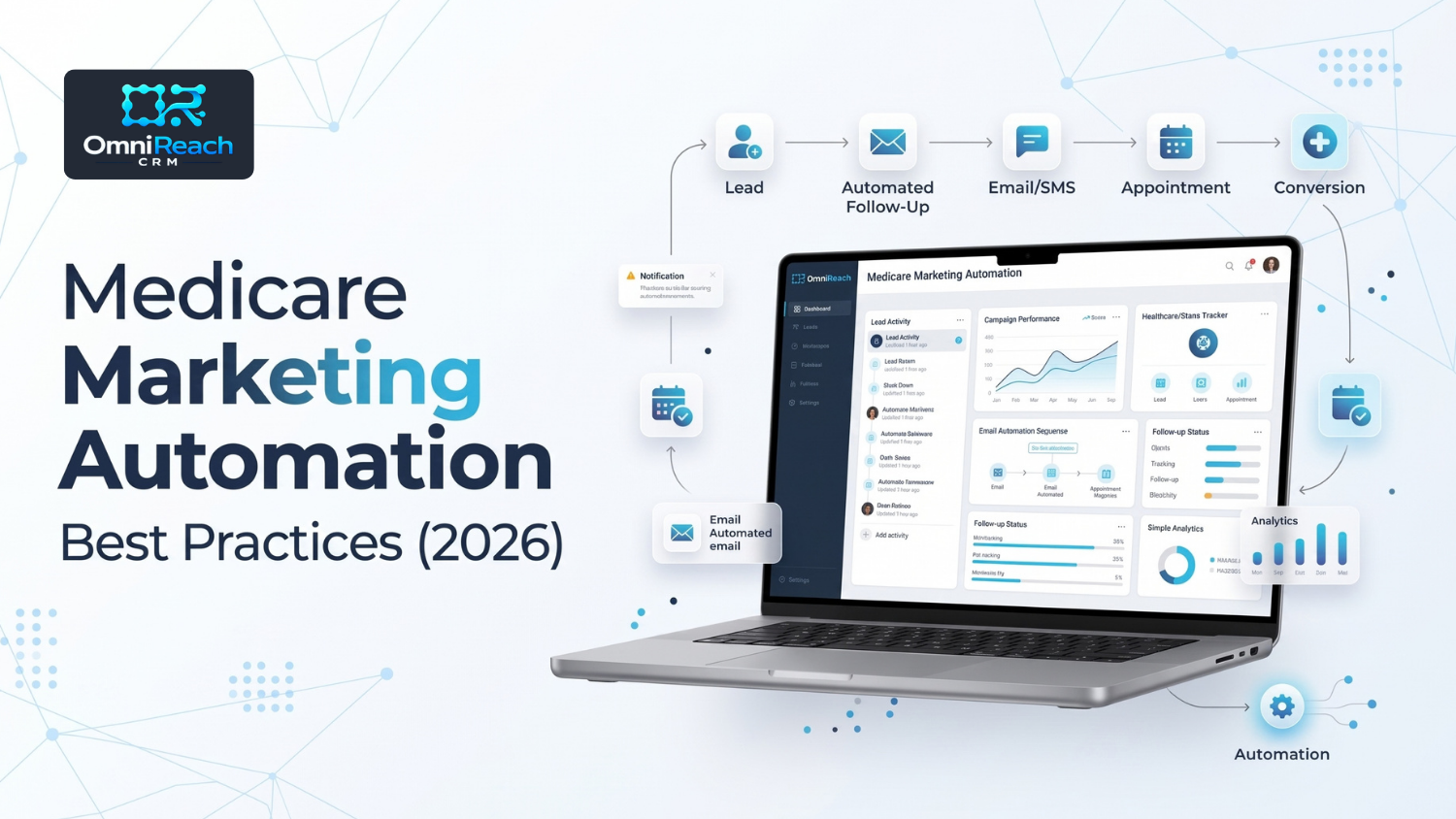
Overview: Automating Medicare marketing means the same efficiency that lets a small team reach hundreds of prospects can also let a single mistake — an unapproved or outdated marketing piece, missing contact-permission documentation, or an improperly managed Do-Not-Call status — reach just as many people, just as fast. Doing this well means using applicable CMS- and carrier-approved materials, documenting how and when contact permission was obtained, and using appropriate segmentation and workflow controls. Software can help organize approvals, permission records, campaign timing, and workflow activity, but the agent or agency remains responsible for what actually goes out.
- Automation scales good marketing fast — and can scale compliance gaps just as fast if they exist
- Automated messages should use marketing content that has gone through the applicable CMS and/or carrier review and approval process
- Contact permission and Do-Not-Call requirements should be reviewed before an automated sequence sends a communication
- Segmenting by product interest, enrollment stage, lead source, and other relevant criteria can help keep communications appropriate
- Educational communications and marketing activities should be structured so their different requirements are not accidentally blended together
- Software can help organize approvals, permission records, and workflow activity, but responsibility for what goes out remains with the agent or agency
An agent sending messages one at a time will only reach so many people in a day. A sequence running automatically can reach an entire list much faster — which means the underlying process needs to be right before the automation is turned on.
Done well, medicare marketing automation means automated communications are built around approved content, documented contact permissions, appropriate audience segmentation, and workflow controls that reflect where a prospect is in the process.
Here's how to build that structure and where automated Medicare marketing commonly goes wrong.
Marketing Material Approval Comes Before Automation, Not After
Medicare marketing materials are subject to CMS requirements, and carrier requirements may add another layer of review and approval. Under the federal Medicare Advantage rules, MA organizations may not use communications that are inaccurate or misleading, and certain marketing materials are subject to CMS submission and approval or applicable File and Use requirements. Carrier-specific requirements can be more restrictive.
That means automation should not be used as a substitute for the applicable approval process.
The same principle applies when an approved piece is changed. A sequence built around material that was approved previously should be checked against the version currently authorized for use rather than assuming an older version remains acceptable.
A practical workflow is:
Create → Review → Approve → Configure → Test → Use
Not:
Create → Automate → Publish → Ask whether it was compliant
Consent and Permission to Contact Have to Be Checked Before the Sequence Fires
A list of phone numbers is not automatically a list of people who can be contacted through every available communication method.
UnitedHealthcare's agent guidance states that agents may contact consumers when prior valid permission to contact has been obtained and that the contact must be made using the method identified in that permission. Its guidance specifically addresses telephonic contact, including calls and texts, and requires compliance with applicable federal and state telemarketing laws, Do-Not-Call requirements, calling hours, TCPA requirements, and applicable recording and disclaimer requirements.
The TCPA analysis can also depend on the type of communication, technology used, purpose of the communication, and the applicable consent standard. The FCC materials in the compliance library address prior express written consent requirements for certain autodialed or prerecorded telemarketing calls and robotexts.
For that reason, an automated workflow should not treat the presence of a phone number as blanket authorization to call or text.
Before a sequence sends, the workflow should be able to account for information such as:
- How the consumer requested contact
- The communication method that was authorized
- When permission was obtained
- What disclosures were presented
- Any applicable Do-Not-Call restrictions
- Opt-out or revocation status
- Carrier-specific requirements
- Applicable federal and state requirements
The exact requirements should be reviewed for the communication being sent rather than relying on a single universal consent rule.
Segment by Where Someone Actually Is, Not Just That They're a Lead
A Medicare Advantage prospect and a consumer who originally inquired about another insurance product shouldn't automatically receive the same sequence.
Useful segmentation can include:
- Product or plan interest — such as MA, Med Supp, PDP, or another insurance product
- Enrollment stage — early interest, appointment activity, application/enrollment status, or post-enrollment
- Entry point — AEP-driven, age-in-65, referral, existing relationship, or another documented source
- Contact status — active, responded, appointment scheduled, opted out, or otherwise requiring a workflow change
Carrier-specific lead-use rules also matter. For example, UnitedHealthcare's guidance places restrictions on how certain lead information may be used and whom an agent may contact.
The goal of segmentation isn't simply better marketing performance. It also helps prevent a consumer from receiving communications that don't match the product, context, or permission associated with their record.
Keep Educational and Marketing Workflows Clearly Separated
Educational communications and Medicare marketing or sales activities can have different requirements. They should not be treated as interchangeable simply because they are delivered through the same CRM.
A practical workflow design is to maintain separate educational and marketing tracks, with clear criteria for when a consumer moves from one type of activity to another.
That separation can help prevent an automated nurture sequence from gradually moving from general educational information into plan-specific marketing without the appropriate process being completed first.
For applicable personal marketing appointments, the Scope of Appointment documents the products the consumer has agreed to discuss. UnitedHealthcare's agent guidance states that an SOA is required for applicable marketing appointments and identifies circumstances in which a new SOA is required.
The important distinction is this:
Permission to contact and Scope of Appointment are not the same thing.
Permission to contact addresses whether and how the consumer may be contacted. An SOA addresses the scope of applicable Medicare products that may be discussed during a marketing appointment.
What to Actually Automate — and What Stays Manual
| Marketing Task | Automate | Keep Manual |
|---|---|---|
| Sending approved content on a schedule | Yes, when properly configured | — |
| Checking available permission and suppression information before sending | Yes, when supported by the workflow | Review exceptions |
| Segmenting by product interest and enrollment stage | Yes | Review unusual cases |
| Approving new marketing material for use | — | Needs applicable compliance/carrier review |
| Determining whether an activity is educational or marketing | — | Needs appropriate review |
| Confirming applicable SOA requirements before a marketing appointment | Workflow reminder/tracking | Agent remains responsible |
| Responding to a reply or question that requires judgment | — | Agent should take over |
| Handling opt-outs or other stop conditions | Yes, where supported | Monitor exceptions |
A well-configured medicare automation software workflow can help make approval status, contact permissions, suppression status, and other compliance-related checkpoints visible before a communication is released. It should support the process rather than replace the judgment and responsibilities of the agent or agency.
Test the Workflow Before Scaling It
Automation should be tested before a sequence is released to a large audience.
A practical approach is to start with a small, controlled group and verify:
- The correct audience entered the workflow
- The intended message was delivered
- Suppression and opt-out conditions worked as expected
- The correct product or educational track was used
- Timing and follow-up conditions worked correctly
- Replies caused the appropriate workflow change
- Records were created or updated as intended
The Medicare workflow guidance in the compliance library recommends testing new automations with smaller groups, monitoring engagement, avoiding overlapping workflows, and building stop or pause conditions when a contact's circumstances change.
Measuring What's Actually Working
Beyond delivery metrics, look at what happens after the message is sent.
Useful measurements can include:
- Response rate by segment
- Appointment activity
- Sequence completion
- Where prospects leave a workflow
- Opt-out rates
- Reply rates
- SOA activity where applicable
- Enrollment activity where applicable
An automation sequence can generate plenty of activity without producing meaningful results. Measurement should therefore look beyond opens or clicks and examine whether the workflow is moving consumers to the next appropriate stage.
Common Mistakes That Undo the Efficiency Gain
- Automating outdated or unapproved materials — automation does not replace the applicable review process
- Treating a phone number as blanket permission to call or text — the method and circumstances of contact matter
- Failing to account for Do-Not-Call or opt-out status — automated systems can repeat a problem very quickly
- Using one-size-fits-all sequences that ignore product interest or enrollment stage
- Blending educational and marketing activities without accounting for the requirements applicable to each
- Failing to pause automation when a lead responds — a human should take over when the conversation requires judgment
- Allowing multiple workflows to contact the same person at the same time — overlapping automations can create confusing or excessive communications
- Assuming a CRM makes the workflow compliant automatically — technology supports the process; it does not transfer regulatory responsibility
Conclusion
Automation doesn't eliminate compliance requirements. It simply executes the underlying workflow at scale.
An unapproved or inappropriate message sent manually to a handful of people can become a much larger operational problem when the same workflow sends automatically to hundreds.
The agencies getting real value from automation aren't necessarily the ones sending the most messages. They're the ones that build appropriate content review, contact-permission controls, segmentation, testing, and stop conditions into the workflow before scaling it.
Build the Guardrails In Before You Scale the Volume
Every agency eventually asks the same question about marketing automation: how do you send more without one bad list, outdated message, or workflow mistake turning into hundreds of copies of the same problem?
OmniReach CRM comes with Medicare-specific pipeline stages and can help organize workflow information, segmentation, and follow-up in one place. Used with an appropriate configuration and compliance process, a CRM can help reduce the amount of manual work involved in managing these workflows — without replacing the agency's responsibility for what actually goes out.
That kind of organization is one reason medicare agent software can be useful when automation is being introduced into a Medicare sales workflow.
See how segmentation and sequencing work on the pricing page, review HIPAA-compliant data handling, or walk through a live demo. For the pieces this connects to directly, read Medicare compliance requirements for agents and how Medicare agents can automate follow-up.
A compliant message sent to the wrong list is still a compliance problem. Get the workflow right before you scale the sequence.
Book a Demo →Frequently Asked Questions
Q1: Does automating marketing increase compliance risk, or just efficiency?
Automation doesn't create a regulatory requirement by itself, but it can scale an existing workflow very quickly. If an approval, permission, suppression, segmentation, or stop-condition problem exists, automation can cause the same issue to affect many contacts before someone notices.
Q2: Can I use the same automated sequence for Medicare Advantage and other insurance leads?
Don't assume that you should.
Different products can involve different marketing, carrier, state, and communication requirements. Separate workflows can help keep the messaging and process appropriate to the product or lead source, but the specific requirements should be reviewed before the workflow is activated.
Q3: How often should a contact list be checked against consent and Do-Not-Call status?
There is not one universal interval that applies to every Medicare marketing workflow.
The safer approach is to establish a documented process for reviewing applicable permission, suppression, Do-Not-Call, opt-out, and carrier requirements before contacts enter or re-enter an automated communication sequence.
Q4: What's the difference between an educational sequence and a marketing sequence?
The distinction depends on the content, purpose, and applicable Medicare requirements.
Educational communications generally provide general Medicare information, while marketing activities can involve discussion of specific plans or products. Agents should not assume that simply labeling a sequence "educational" changes its regulatory treatment.
For applicable personal marketing appointments, the agent also needs to follow the applicable Scope of Appointment requirements before discussing products within the scope of that appointment.
Q5: Who's responsible if an automated sequence sends something that wasn't actually approved?
The agent and agency remain responsible for following the applicable requirements, even when software performs the actual sending.
Automation can help organize approvals and workflow controls, but it does not transfer responsibility for the communication to the software.
Ready to Scale Your Medicare Workflows Without the Compliance Risk?
OmniReach CRM organizes your leads, consent tracking, segmentation, and automated follow-up sequences in one HIPAA-compliant platform.
Book a Live Demo →