AI Overview
The CRM features Medicare agents should evaluate include workflow stages, follow-up automation, communication history, documentation tracking, appointment tools, book-of-business organization, and reporting. A good CRM for health insurance agents should also offer appropriate security and privacy controls, with a Business Associate Agreement (BAA) available when applicable. Agencies may need user roles and access controls that support their organizational structure. A CRM can help organize these processes, but it does not replace the agent’s or agency’s compliance responsibilities.
- Medicare CRM pipeline stages that reflect your actual workflow
- Security and privacy controls appropriate for the information stored
- BAA availability when applicable
- Medicare workflow automation with clear triggers and stop rules
- A unified view of calls, texts, and email, where supported
- SOA and contact-permission documentation tracking
- Calendar and appointment reminders
- Book-of-business tools for ongoing client service
- Reporting that helps you review lead management and workflow activity
- Access controls for agencies and teams
CRM Features Every Medicare Agent Needs
Choosing a CRM can feel like comparing a dozen versions of the same promise. One platform says it is powerful; another says it is all-in-one. But what should you actually check before trusting a system with your Medicare workflow?
The useful question isn’t just whether a CRM has a feature. It’s whether that feature works the way your agency needs it to—and whether you can demonstrate and verify it.
If you’re still deciding what matters most, start with our guide on how to choose a Medicare CRM.
1. Medicare-Specific Pipeline Stages
A generic “Lead → Deal → Won” pipeline may not reflect how your agency manages a Medicare prospect. A CRM for Medicare agents should let you organize the steps your team actually uses, rather than forcing every interaction into generic sales labels.
Depending on your process, stages might include:
- New inquiry or lead received
- Initial contact and follow-up
- Appointment scheduled
- SOA process, where applicable
- Plan discussion and application process
- Application status and follow-up
- Enrollment outcome and ongoing service
These are workflow examples, not a required CMS sequence. Ask whether the stages can be configured and whether moving a record can create a task or internal reminder.
2. Security and Privacy Controls, With BAA Availability When Applicable
When a CRM stores or processes sensitive information, security and privacy deserve careful attention. Review the platform’s safeguards and documentation rather than relying on a label alone.
Questions to ask include:
- What information does the system store and transmit?
- What access controls and user permissions are available?
- Are audit logs available, and what activity do they capture?
- What encryption and other safeguards are documented?
- Is a BAA available if your organization’s role and data use make one applicable?
- What are the vendor’s procedures for incidents, retention, and data deletion?
HIPAA applicability depends on your organization’s role, the information involved, and the relationship with the vendor. A BAA or security feature does not automatically make an agency compliant. For more detail, review OmniReach’s HIPAA and security information and confirm the current documentation and terms directly with the vendor.
3. Medicare Workflow Automation That Supports Follow-Up
Medicare workflow automation can help agents manage routine tasks and follow-up consistently. But automation needs clear rules. A sequence that sends a message without checking the contact’s status or preferences can create problems instead of solving them.
When evaluating automation, check whether you can:
- Set triggers, timing, and conditions
- Create internal tasks as well as external communications
- Pause or stop a sequence when someone responds or books
- Apply opt-out and communication-preference rules
- Review activity logs to see what happened
- Test the workflow with dummy records before launch
A new lead does not automatically authorize every kind of outreach. Confirm the permission, disclosure, and opt-out requirements that apply to the communication method and campaign. A phone number stored in a CRM is not, by itself, proof of consent.
4. One View of Calls, Texts, and Email
Imagine a client texts you, calls later, and then replies to an email. If those interactions live in separate apps, you may have to piece together the conversation before you can respond.
A unified communications view can help keep the history together. But ask the vendor exactly what “unified” means:
- Which channels are supported?
- Are calls, texts, and emails logged automatically?
- Does the timeline show inbound and outbound activity?
- Can users see only the records they are permitted to access?
- How are communication preferences and opt-outs recorded?
A single timeline can help provide context. It does not establish that a communication was authorized or that it met applicable requirements.
5. SOA and Contact-Permission Documentation Tracking
A CRM can help organize documentation associated with prospect interactions. Depending on your procedures, useful records may include:
- SOA status and relevant dates
- Contact-permission source and date
- Method and scope of permission, where applicable
- Relevant disclosures
- Communication preferences and opt-out status
- Notes and follow-up activity
The important part is being able to retrieve accurate records when needed. A completed field does not prove that the underlying step was performed correctly. Agents and agencies remain responsible for following applicable requirements and maintaining accurate documentation.
For more on the broader requirements, see Medicare compliance requirements for agents.
6. Calendar and Appointment Tools
Calendar tools can help agents organize appointments, confirmations, reminders, and follow-up tasks. They may be particularly useful when your schedule becomes busy, but the value depends on how the tools work in your actual process.
Ask whether the CRM supports:
- Appointment scheduling and rescheduling
- Confirmations and reminders
- Internal tasks associated with an appointment
- Recording cancellations or missed appointments
- Follow-up actions after an appointment
Check which reminders are automatic and which require agent action. If reminders use calls or texts, make sure the workflow respects applicable communication rules and the contact’s preferences.
7. Book-of-Business Tools for Ongoing Service
A CRM should be evaluated for what happens after the initial lead or enrollment, too. A good CRM for health insurance agents may support client records, policy information, renewal dates, service tasks, and review reminders, depending on the platform and configuration.
Consider whether it helps your team:
- Keep client and policy records organized
- Track relevant renewal dates
- Create service and review reminders
- Record interactions over time
- Update information and manage duplicate records
- Export records when changing systems
These tools can support ongoing organization, but they do not determine whether a plan or communication is appropriate. Agents should review the client’s current situation and follow applicable requirements before discussing options.
8. Reporting for Medicare Lead Management
A contact count only tells you how many records are in the system. Medicare lead management may require a closer look at activity and workflow patterns.
Ask whether the CRM can report on measures such as:
- Lead sources and recorded outcomes
- Time between lead receipt and first documented contact
- Time spent in pipeline stages
- Appointment activity and outcomes
- Follow-up task completion
- Enrollment or servicing activity, where the data is available
When comparing options for the best CRM for insurance agents, look beyond a vendor’s label and examine how its reporting works. Ask how each metric is defined, what data it uses, and whether it updates automatically. Reports are only as useful as the accuracy and completeness of the records behind them.
9. User Roles and Access for a CRM for an Insurance Agency
A solo agent and a growing agency may need different access arrangements. A CRM for an insurance agency should be evaluated against the organization’s actual structure—not assumptions about what “team access” means.
Ask the vendor to demonstrate:
- Which user roles and permission levels are available
- Whether access can be limited by user, team, or record
- What managers can see
- Whether agents’ records are separated or shared
- How access changes when a producer joins or leaves
- Whether administrative activity is logged
Do not assume that adding users automatically creates the right downline visibility or privacy structure. Confirm the permission model and reporting scope in the actual configuration before relying on it.
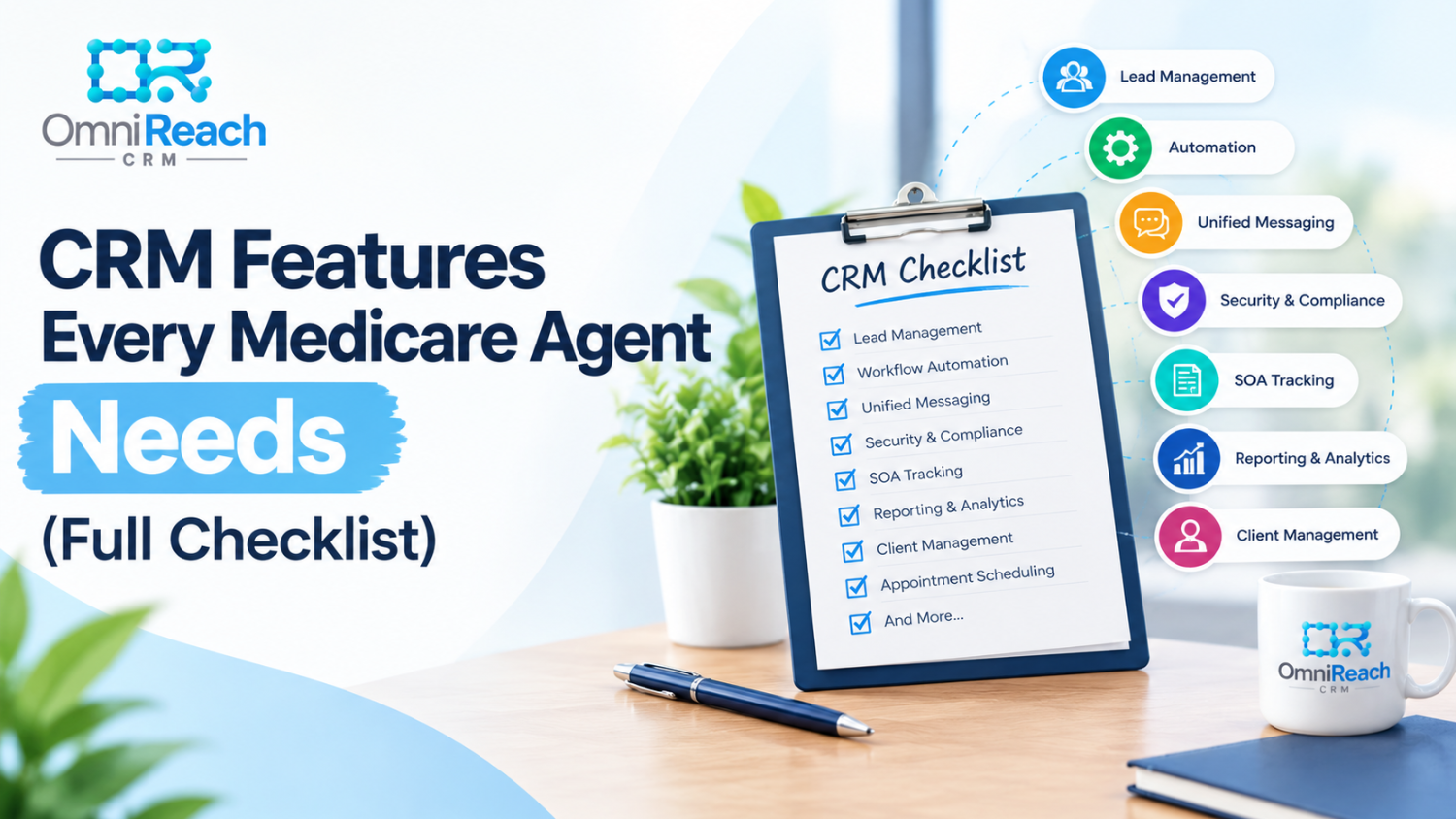
Quick Reference: Medicare CRM Features Checklist
| Feature | What to Verify |
|---|---|
| Medicare workflow stages | Can stages reflect your actual process? |
| Security and privacy controls | Are safeguards documented and appropriate for your use? |
| BAA availability | Is a BAA applicable and available if needed? |
| Medicare workflow automation | Can you configure triggers, conditions, timing, and stop rules? |
| Unified communications | Which channels are supported and logged? |
| SOA and permission tracking | Can required records be stored and retrieved accurately? |
| Calendar and reminders | Can appointments and follow-up tasks be managed? |
| Book-of-business tools | Can you organize client records and service activity? |
| Reporting | Are metrics defined and based on reliable records? |
| Agency access controls | Can you verify exactly who can view and manage records? |
How to Check Whether a CRM Really Has These Features
A feature list is a useful starting point, but a live demonstration can show whether the system supports your workflow.
Before making a decision:
- Bring a real scenario. Ask the vendor to demonstrate a representative lead or client workflow from start to finish.
- Check what is automatic. Identify which actions happen without staff intervention and which require manual entry or review.
- Test exceptions. Demonstrate an opt-out, a rescheduled appointment, a duplicate record, and a contact who responds during a sequence.
- Review documentation. Request relevant security, privacy, BAA, data-retention, and access-control information.
- Check reports and permissions. Ask how metrics are calculated and show what different user roles can access.
- Test before rollout. Use dummy records and a limited pilot to check timing, content, conditions, and stop rules.
In Conclusion
The CRM features that matter most depend on how you work, what information you handle, and whether you manage a solo practice or a team. Use this checklist to compare actual functionality—not just homepage claims—and confirm what your agency still needs to manage through its own procedures.
A CRM can help organize leads, communications, records, and team workflows. It does not replace responsibility for compliant marketing, communications, enrollment practices, or recordkeeping.
Explore OmniReach CRM
OmniReach describes its platform as supporting insurance workflows with pipelines, automated follow-up, communications, calendars, smart lists, reporting, and book-of-business organization. Check the current setup and terms to confirm which features are available and how they work for your use case.
- Review the OmniReach pricing page.
- Read about HIPAA and security infrastructure.
- Request a demo and bring a real workflow to review.
If you’re still comparing systems, continue with how to choose a Medicare CRM or signs you’ve outgrown your current CRM.
See how the workflow operates in a live demonstration.
Book a personalized walkthrough built around your team, products, and agency operations.
Frequently Asked Questions
Q1: Is HIPAA-related infrastructure alone enough to evaluate a Medicare CRM?
No. Review the platform’s safeguards and documentation in light of your organization’s role, the information involved, and whether a BAA is applicable. Also consider separate requirements that may apply to Medicare marketing, enrollment, communications, and carrier procedures. A CRM does not make an organization compliant simply because it offers security features.
Q2: Do I need downline visibility if I’m a solo agent?
It may not be relevant to your current setup. A solo agent may focus on contact organization, follow-up, documentation, and reporting. If your business structure changes, reassess user roles and access controls before adding other producers.
Q3: What should I check first in a general-purpose CRM?
Start with the workflows you need the system to support. Check whether you can configure relevant stages, track the records your procedures call for, and manage follow-up with appropriate conditions and stop rules. A general-purpose CRM may support some of these through configuration, so verify the actual setup rather than assuming it cannot.
Q4: Should book-of-business tools matter if I’m focused mainly on new leads?
Consider how you expect to manage clients after enrollment. If you plan to maintain ongoing client relationships, renewal information, service history, and review tasks may become useful. The importance of these features depends on your business model and the responsibilities your agency handles.
Q5: How do I verify that a CRM actually has the features it lists?
Ask for a live demonstration of each feature using a representative workflow. Have the vendor show a lead moving through stages, a follow-up rule running, a record being updated, a report being generated, and different user roles accessing information. Request documentation for security, privacy, data handling, and permissions, and test configured workflows with dummy records before rollout.