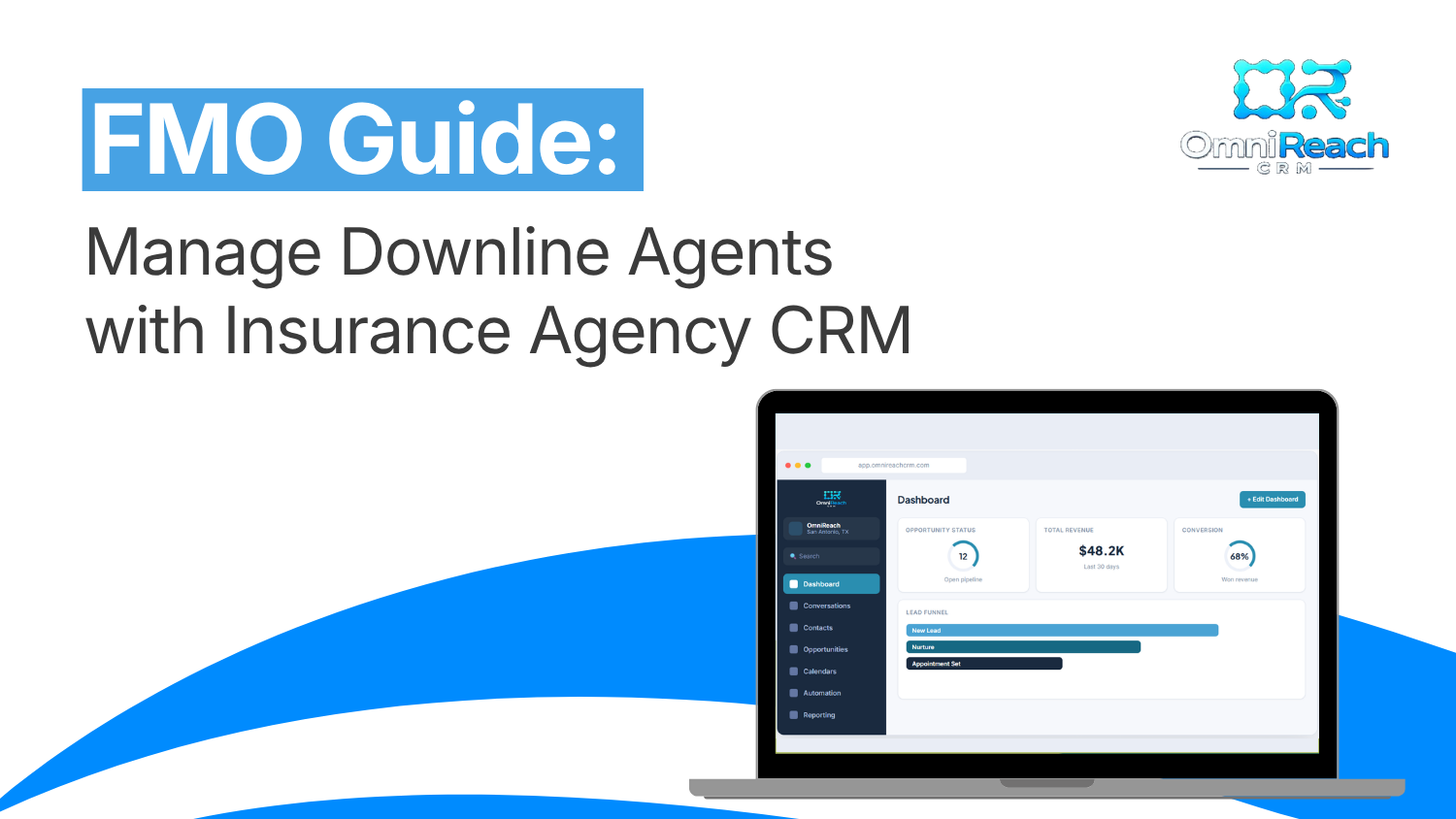
FMOs manage large downlines of independent agents across Medicare, life, and final expense lines. The core challenge is visibility — knowing what every producer is working on, how fast they follow up, and whether client communication meets HIPAA standards. An insurance agency CRM built for FMOs centralizes pipeline management, automates lead response at the agent level, enforces compliance across the organization, and gives leadership real-time reporting on every producer in their network. Research published in the Harvard Business Review found the average business takes 47 hours to respond to a new web lead — in competitive insurance markets, that window is far shorter. Platforms with built-in speed-to-lead automation, such as OmniReach CRM, fire the first follow-up within 120 seconds of lead entry (per platform data). The outcome: higher contact rates, better agent retention, and compliance documentation that runs without manual input.
- Most FMOs lose agents and commissions because they have zero real-time downline visibility
- The right insurance agency CRM puts every producer's pipeline in one live dashboard
- Automated follow-up fires in under 2 minutes (OmniReach platform data) — no agent input, every time
- HIPAA compliance must cover your whole organization, not just individual agents
- A CRM for independent insurance agents needs pre-built Medicare, life, and FE workflows — not generic sales stages
- The best CRM for Medicare agents includes encrypted communication, audit logs, and a signed BAA
- Consistent rollout — shared pipelines, shared templates — is what turns a tool into a system
How FMOs Can Manage Downline Agents with CRM
The Leak Every FMO Has — And Nobody's Plugging
Right now, one of your agents just got a warm lead. They're on another call. That lead sits. Research consistently shows that the first 5 minutes after a lead comes in determine whether you reach that prospect — and across most insurance operations, average follow-up takes far longer than that. By the time your agent dials out, that prospect has already enrolled somewhere else.
Not bad luck. A broken system.
If you're running an FMO without an insurance agency CRM at the center of your operation, this isn't a rare edge case. It's the default — playing out across every agent in your network, every single day. This guide walks through exactly how FMOs use a purpose-built CRM to manage their downline, lock in compliance, and keep producers actually producing — whether you're running 20 agents or 300.
Why Most FMOs Are Flying Blind
Honest question: can you pull up — right now — every open opportunity across your downline?
If the answer involves a spreadsheet, a text to your top producer, or the phrase "I'd have to check" — you don't have a pipeline. You have a prayer.
What's Breaking Down Without You Knowing
When agents work in scattered apps, personal email threads, and sticky notes, here's what goes dark on you:
- Producers sitting on leads they haven't touched in two weeks
- New agents fumbling follow-up and blaming the lead quality
- Agents texting Medicare clients from personal phones — zero HIPAA protection
- No audit trail when CMS asks for compliance documentation
- Top producers quietly checking out because they feel unsupported
The right insurance CRM makes all of this visible before it turns into a production problem you can't explain.
What an Insurance Agency CRM Actually Does at FMO Scale
An insurance agency CRM isn't a beefed-up contact book. For FMOs, it's the operating system your entire downline plugs into. Here's what it handles — specifically.
Downline Visibility — Without Merging Agent Books
Every agent keeps their own contacts and their own pipeline. You get a real-time view across all of them — who's producing, who's stalled, who hasn't moved a deal in 10 days. No more texting agents for status updates. Just open the dashboard.
Automated Follow-Up That Fires Without Agent Input
Lead hits the system. Text goes out in under two minutes. The CRM platform sends that sequence automatically — whether your agent is on a call, in an appointment, or off for the weekend. Per OmniReach platform data, speed-to-lead automation fires within 120 seconds of lead entry, with zero agent action required. Your strongest follow-up process runs for every producer, every time.
HIPAA Compliance Across Your Whole Organization
Your agents are texting Medicare clients about health coverage. That's PHI — and HIPAA applies to every message, every stored record, every communication. Insurance management software built specifically for this space handles it at the foundation: encrypted communications, role-based access, audit logs, and a signed BAA — not bolted on as an upgrade, but built into the base layer everything runs on.
Reporting That Gives You the Real Numbers
Which agents are converting? Which follow-up sequences book the most appointments? A proper insurance CRM with real reporting gives you those answers — without anyone needing to build a spreadsheet to find them.
What to Look for in a CRM for Independent Insurance Agents
Not every CRM was built for the way your agents actually sell. Here's what a CRM for FMOs built for downlines actually includes:
| Feature | Why It Matters for FMOs |
|---|---|
| Multi-agent pipeline dashboard | See every producer's book — one view, zero merging |
| HIPAA-compliant communication | Non-negotiable for Medicare and health data |
| Pre-built insurance pipelines | Medicare, life, FE stages ready on day one |
| Automated follow-up sequences | Consistent lead response regardless of agent activity |
| Role-based access controls | Agents see their book. You see everything. |
| Bulk contact management | Segment and message hundreds of contacts in seconds |
| Integrated calendar + reminders | Fewer no-shows, no scheduling back-and-forth |
| Transparent usage pricing | No hidden fees buried in fine print |
A CRM for independent insurance agents missing half this list was built for a solo salesperson with 40 contacts — not an FMO running 150 producers across four lines of coverage.
The Medicare Factor — Why It Raises the Stakes for Your Whole FMO
If any part of your downline writes Medicare — and it almost certainly does — compliance isn't something you sort out later.
The best CRM for Medicare agents protects your FMO's legal standing while your agents sell: encrypted messaging, full audit trails, and a signed BAA covering the entire organization — not just individual producers.
What One Compliance Gap Costs at FMO Scale
One agent texting PHI through a personal phone is a problem. Thirty agents doing it is a liability that puts carrier contracts on the table.
The best CRM for Medicare agents locks this down at the system level — not as an opt-in feature agents have to activate, but as the ground rule everything else runs on. For FMOs managing agents across multiple states and carriers, centralized compliance is what keeps your entire organization writing business.
Before vs. After: What Shifts When FMOs Unify on One Platform
📊 FMO Operations — Side-by-Side Snapshot
| Metric | Without a CRM | With a Unified Insurance Platform |
|---|---|---|
| Lead response time | 40–60 min (industry benchmark) | Under 2 min — automated (OmniReach platform data) |
| Downline pipeline visibility | Spreadsheets / guesswork | Real-time across every agent |
| Compliance documentation | Manual, often incomplete | Audit logs auto-generated |
| No-show rate | High — manual reminders only | Reduced with automated calendar alerts |
| New agent onboarding | Different every time | One shared template, every time |
Every gap in that right column is something you're living with right now. Every day without a system is a day those gaps stay open.
How to Roll This Out Without Losing Your Team Along the Way
Most FMOs pick the right tool and then wreck it with a messy rollout. Here's what actually works:
Set shared pipeline stages first. Don't let every agent build their own setup from scratch. Push the standard Medicare, life, and final expense stages down from the top. Consistency starts at the structure level.
Build your follow-up sequences once — share them everywhere. Your highest-converting workflow should run for every agent in your network, not just the ones who figured out how to configure it themselves.
Use a CRM for independent insurance agents that was purpose-built for this. A generic tool means months of trying to make it fit. The right one means agents plug in on day one and start working leads the same week.
Document once. Onboard every time. One recorded setup walkthrough means every new producer gets the same start, every time.
How to Evaluate an Insurance Agency CRM Before You Commit
Before signing up for any platform, run it through this checklist. This applies whether you're evaluating OmniReach or any other system — a tool worth your downline's time will clear every bar here.
✅ 1. Is HIPAA compliance built in or bolted on? Ask the vendor directly: does the platform include a signed BAA? Are communications encrypted at rest and in transit? If the answer involves upgrading to a higher tier, move on.
✅ 2. Was it built for insurance or adapted from a generic CRM? Purpose-built means pre-loaded Medicare, life, and FE pipeline stages, follow-up sequences designed around insurance sales cycles, and support staff who know what AEP and PHI mean.
✅ 3. Can it scale without per-seat charges? Every time you add a producer, your CRM bill shouldn't jump. Look for flat monthly pricing that treats growth as a feature, not a penalty.
✅ 4. What exactly fires automatically when a lead comes in? Every platform claims automation. Ask what triggers it, how fast, and what — if anything — the agent has to do first. Under 2 minutes with zero agent action is the standard to hold any platform to.
✅ 5. What does real support look like? Ask to test the support channel before you buy. Real 24/7 support means a human responds in minutes — not a chatbot that loops you back to the help docs at 9 PM on a Sunday.
✅ 6. Does FMO leadership get a downline-wide dashboard? If the platform was designed for solo agents, organization-level reporting won't exist — or it'll be a paid add-on. Confirm that leaders can see every agent's pipeline and activity in one view before you onboard a single producer.
What Real FMO Implementations Actually Look Like
Across deployments ranging from 15-agent boutique operations to multi-state networks with 300+ licensed producers, a few patterns repeat: onboarding speed matters more than feature count, shared pipeline templates determine whether agents actually use the system, and HIPAA compliance is always the first question carriers raise during contract reviews. The platforms that hold up across all three scenarios weren't adapted for insurance — they were built for it from the ground up, by people who understand how insurance organizations run.
→ Compare plans on the [Pricing] page · Or [Book a Demo] to see the full FMO dashboard live
Conclusion
The FMOs that scale aren't always the biggest — they're the ones who can actually see what's happening in their downline. An insurance agency CRM gives you that visibility. It fires follow-up your agents would have missed. It holds HIPAA compliance across your whole organization without you chasing every producer down individually. It shows you who's producing, who's stalling, and where deals are stuck — before those gaps cut into your numbers.
Keep managing on spreadsheets and gut instinct and you'll always be reacting. Or put a system in place and finally get ahead of it.
If you're looking for the best CRM for Medicare agents that scales with an FMO — pre-built for insurance, HIPAA-compliant from the start, with 24/7 live human support — that system exists. The only question is when you put it to work.
Stop Running Your Downline in the Dark. OmniReach CRM Is Built to Fix That.
Most FMOs wait too long. They lose good agents to problems a proper system would have caught in week one. Leads go cold. Compliance gaps appear when nobody was watching. Production drops — and nobody can explain why.
OmniReach CRM was purpose-built for exactly this. Pre-configured pipelines for Medicare, life, and final expense. Automated follow-up that fires in under two minutes per platform data. Full HIPAA compliance included from day one — no upgrade required. 24/7 live chat with real humans, not a bot that sends you back to the help docs.
One flat monthly fee. No per-seat charges. No gated features.
Your downline is already working. Give them an insurance CRM that works just as hard. [Request Contact →]
→ [Compare Plans →] · [Book a Demo →]
⚡ The FMOs getting onboarded this week see results inside their first 30 days — before the ones still "evaluating" have made a decision.
Frequently Asked Questions
Q1: What makes an insurance agency CRM different from a regular
CRM?
A standard CRM has no knowledge of Medicare workflows, PHI
handling, or insurance sales cycles. An
insurance agency CRM
is pre-configured for the way agents actually sell —
HIPAA-compliant from day one, with pipeline stages and follow-up
sequences built specifically for Medicare, life, and final
expense.
Q2: How does an FMO give each agent their own pipeline without
merging books?
Role-based access handles this entirely. Each agent
operates inside their own pipeline and sees only their own
contacts. FMO leadership gets a separate read-only view across the
full downline — pipeline totals, activity levels, and stage
breakdowns — with zero data overlap between producers.
Q3: Is the best CRM for Medicare agents actually different from
a standard insurance CRM?
Yes — specifically around compliance. Medicare involves
PHI, so HIPAA standards apply to every text, email, and stored
record. The
best CRM for Medicare agents
treats encrypted messaging, complete audit trails, and a signed
BAA as foundational requirements — not optional add-ons.
Q4: How long does it take to get a full FMO downline
onboarded?
Agents using pre-built pipelines and a documented setup
process typically go live within a week. A2P 10DLC registration —
required before texting from any CRM on the market — adds a few
extra days, but every other part of the platform is ready from the
moment agents log in.
Q5: Can a CRM for independent insurance agents handle an FMO
with 200+ producers?
Yes. The right
CRM for independent insurance agents
scales without per-seat fees or locked tiers. From 10 agents to
300, everyone works on the same system, shares the same pipeline
templates and compliance standards, and FMO leadership sees
everything from one dashboard — at one flat monthly price.
See OmniReach CRM in Action
OmniReach fires your first follow-up in under 2 minutes for every new lead, automatically, across every source. Book a 20-minute demo and we'll show you the full FMO dashboard live.
Book a Free Demo →