AI Overview
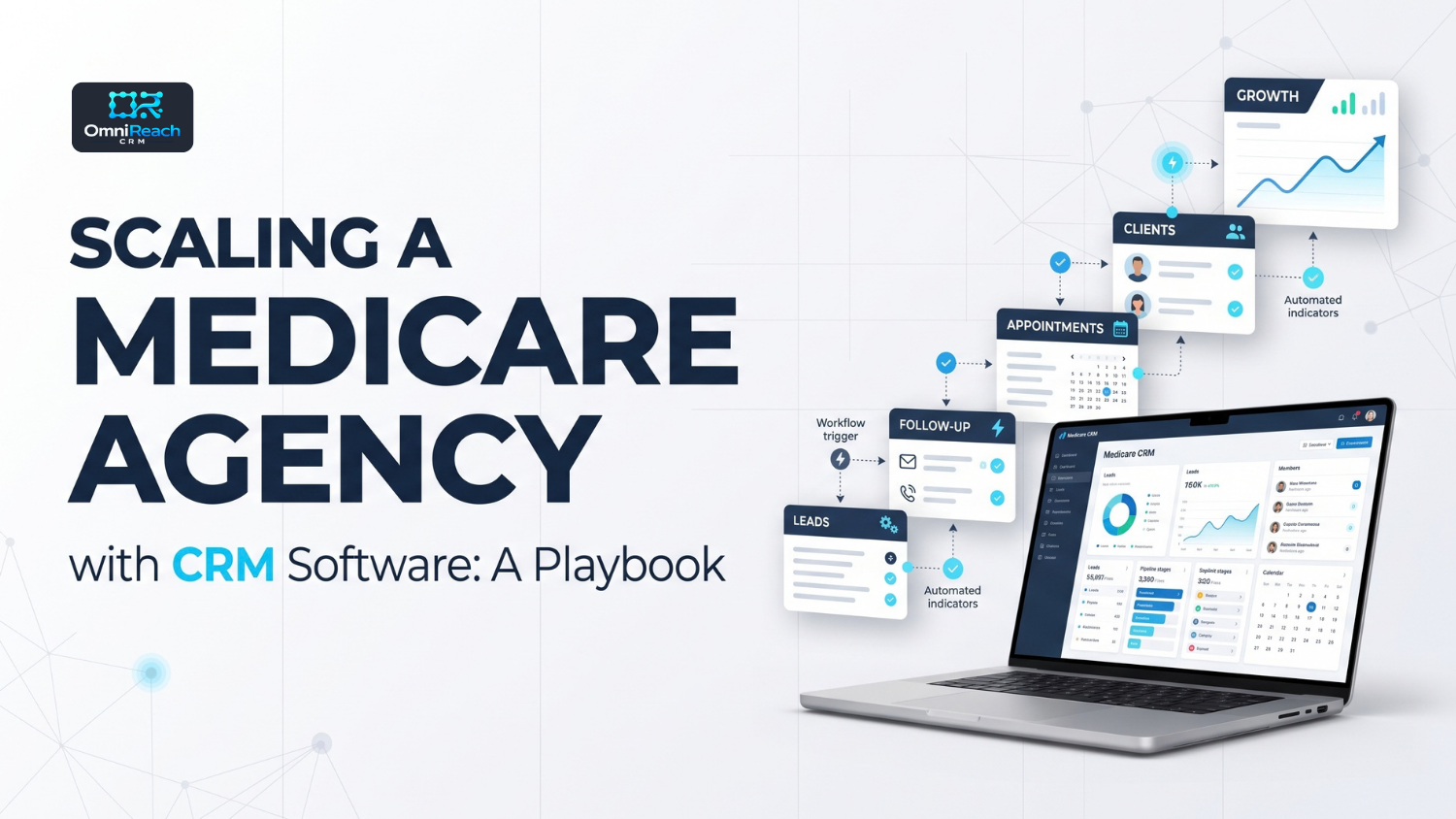
Scaling a Medicare agency with CRM software means building the structure before adding headcount. That includes shared pipeline stages, a standardized follow-up process, consistent documentation practices, an onboarding template for new producers, and role-based access configured according to the agency’s needs. Software can help organize and repeat these processes across a team. Compliance responsibilities under applicable CMS, TCPA/FCC, carrier, state, and organizational requirements still remain with the agency and each agent.
- Growth adds people faster than it adds clarity, so standardize the process before adding producers
- The first things to address are follow-up consistency, leadership visibility, onboarding, documentation, and cost
- Shared pipeline stages, disposition codes, and follow-up sequences make a team’s data more consistent
- Role-based access can help separate each agent’s book while providing leadership with appropriate visibility
- Verify the exact permission structure in a demo instead of assuming what a manager can see
- Per-seat pricing can grow with every hire, so model your cost at the team size you’re planning for
- Pilot with a small group before rolling anything out to the whole agency
Adding agents is easy. Adding agents without adding unnecessary complexity is the harder part.
Every new producer can bring different habits: different follow-up timing, different note-taking practices, and different interpretations of what “contacted” means. At a small team size, those differences may be manageable. As the agency grows, they can make it harder to maintain consistent workflows and understand activity across the organization.
Here’s what to put in place before growth makes those gaps more difficult to manage.
What Breaks First When an Agency Grows
Growth doesn’t necessarily break everything at once. Several operational areas commonly become harder to manage as the team expands:
- Follow-up consistency. One agent may follow up quickly while another may rely on manual reminders.
- Leadership visibility. It can become harder to understand who’s working leads and where activity is occurring without a centralized system.
- Onboarding speed. New producers may receive different setups or instructions, which can create inconsistent workflows.
- Documentation habits. Some agents may document activity consistently while others may not follow the same process.
- Cost. Tools priced per user can increase as the team grows.
These aren’t necessarily people’s problems. They’re often structured problems, and software can help support more consistent processes.
Standardize Before You Scale
A good time to standardize is before the team becomes difficult to manage. A Medicare agency CRM can help make an established workflow more consistent across producers, so the agency isn’t relying on each person to create their own process.
Standardize these four things first:
- Pipeline stages. Every agent should use the same stages for the same steps, such as interest, SOA scheduled, plan comparison, application, and enrolled, where those stages reflect the agency’s actual workflow.
- Disposition codes. “Contacted,” “no answer,” “opted out,” and “enrolled” should have clearly defined meanings across the team. Otherwise, reports may not provide consistent comparisons.
- Follow-up sequences. Build an approved or standardized sequence once and use it consistently, subject to the appropriate communication permissions, disclosures, opt-out handling, and compliance review.
- An onboarding template. Give each new producer a consistent starting structure while allowing necessary role- or workflow-specific differences.
Keep Each Agent’s Book Separate From Leadership’s View
A growing team may need two types of visibility at the same time. Each agent may need access to their assigned pipeline and contacts, while leadership may need an appropriate summary of activity and production across the organization.
That structure depends on role-based access, meaning what each person can see depends on their assigned permissions. Before committing to any platform, ask the vendor to demonstrate the exact roles your agency will use.
A label like “agency dashboard” doesn’t tell you whether a manager sees activity totals, individual pipelines, or full client records. The permission structure should be confirmed in the demo and, where appropriate, the vendor’s documentation—not assumed from the feature list.
Compliance Has to Work the Same Way for Every Producer
Applicable CMS marketing and enrollment requirements, TCPA/FCC requirements for calls and texts, carrier requirements, state insurance rules, and organizational policies need to be incorporated into the workflows used by the applicable producers in your organization.
A CRM can help organize this work. It can store SOA dates, maintain contact history, and keep records in a consistent place across the team. It cannot make an agency compliant on its own.
The agency remains responsible for its policies, training, oversight, and the actions of its personnel. Agents remain responsible for following the requirements that apply to their activities.
For the full picture of what applies, see our guide to Medicare compliance requirements for agents.
Watch the Cost Curve
Pricing is an important part of a scaling plan. A tool that is manageable for three agents can have a different total cost at thirty.
An insurance agency CRM priced per user can increase in cost as the team grows. A platform with a different pricing structure may handle user growth differently, while usage charges for calls, texts, and email can still affect the total. Neither model should be assumed to be less expensive without comparing the actual costs.
Ask every vendor:
- What does this cost at the team size I’m planning for in 12 months?
- Are there per-seat charges, usage charges, or both?
- What does onboarding or data migration cost?
- What happens to pricing if the team doubles?
What You Need at Each Stage
| Stage | Main Problem | What the System Should Handle |
|---|---|---|
| Solo agent | Following up consistently | Medicare-specific pipeline, automated follow-up |
| 2–5 agents | Everyone working differently | Shared stages, shared disposition codes, shared sequences |
| 6–20 agents | No visibility without asking | Role-based access, rollup reporting, onboarding template |
| 20+ agents | Consistency and oversight at volume | Standardized compliance-support workflows, permissions by role, predictable cost |
Roll It Out in Phases
Buying a platform and implementing it well are two different jobs. A sensible order:
- Pilot with two or three agents. Include one experienced producer and one newer agent, so you can evaluate the workflow from different experience levels.
- Fix the template. Whatever confuses the pilot group may also confuse the wider team. Adjust stages, sequences, and instructions before expanding.
- Onboard in waves. Add agents in small groups instead of all at once.
- Plan carefully around AEP. A CRM migration can create a learning curve and operational disruption during a high-volume period. If possible, schedule major system changes for a period when the agency has sufficient time to train, test, and stabilize the workflow.
When you evaluate Medicare CRM software for a growing agency, check how quickly a new producer can become productive in it. If onboarding requires substantial per-agent configuration, that effort can multiply as the team grows.
Common Scaling Mistakes
- Letting every agent build their own setup. You can end up with multiple versions of the same process and reports that are difficult to compare.
- Choosing for today’s headcount. A tool that fits five agents may not provide the workflow, permissions, or cost structure the agency needs at a larger size.
- Skipping the permissions conversation. Finding out what managers can and cannot see after you’ve signed is a bad time to learn.
- Treating compliance as an agent-by-agent habit. Consistency should be supported by documented processes, training, supervision, and appropriate system controls—not left entirely to individual memory.
- Switching during AEP. A major system change during AEP can create avoidable operational and training challenges, so timing should be considered carefully.
Conclusion
Agencies don’t usually stall because they can’t recruit. They can encounter operational friction because the system holding everything together was built for a smaller operation, and those gaps become more noticeable with each hire.
Standardize the process, establish appropriate separation between each agent’s book and leadership’s view, confirm the permissions, and model your costs at the size you’re aiming for. Then add people.
Build the Structure Before the Headcount
OmniReach CRM positions its platform for agencies and FMOs, with features described around Medicare-specific pipelines, automated follow-up, unified communications, role-based access, and HIPAA-related infrastructure with a BAA available. Its pricing structure should be reviewed directly to confirm the current platform and usage charges and whether the current model includes per-seat fees.
A demo is the right place to verify exactly how roles, permissions, workflows, and other features work for your agency’s structure.
Model your costs on the pricing page, review HIPAA and security information, or bring your actual team structure to a demo. For related reading, see how FMOs manage downline agents with a CRM, how to choose a Medicare CRM, and signs you’ve outgrown your current CRM.
Every agent you add before the structure is ready can make the cleanup bigger.
Book a personalized walkthrough built around your team, products, and agency operations.
Frequently Asked Questions
Q1: When should a Medicare agency start using a CRM built for teams?
There isn’t one required headcount. Once multiple producers are working leads, differences in follow-up, documentation, permissions, and reporting can become more difficult to manage. Standardizing those processes early can make later growth easier to manage.
Q2: Can leadership see everything each agent is doing?
It depends on the platform and how roles are configured. Don’t assume. Ask the vendor to show exactly what each role can see, including whether managers see activity totals, pipelines, or individual client records.
Q3: Does a CRM make a growing agency compliant?
No. It can help organize documentation and support consistent processes across producers, but applicable CMS, TCPA/FCC, carrier, state, and organizational requirements remain the responsibility of the agency and the applicable personnel, along with the agency’s own policies and training.
Q4: Is flat pricing always cheaper than per-seat pricing for a growing team?
Not automatically. A pricing model that doesn’t increase directly with headcount may still include usage charges or other costs that affect the total. Compare projected costs at your planned team size rather than relying on today’s cost.
Q5: How long does it take to get a new agent working in the system?
It depends on the platform, configuration, training process, and your onboarding template. A pre-built Medicare workflow may reduce setup time, but the actual implementation period should be confirmed with the vendor. If a platform requires substantial per-agent configuration, that effort can repeat with every hire.